Best Nano Banana Prompts: Copy-Paste Library for Editing, Portraits, Product & More
A copy-paste library of the best Nano Banana prompts, grouped by use case: photo editing, portraits, face swap, product photography, logos, 3D figurines, restoration, YouTube thumbnails, comics, and infographics.

This is a copy-paste library of Nano Banana prompts, organized by what you're actually trying to make. Every prompt sits in a code block with a copy button. Brackets like [subject] or [brand] are placeholders — swap them for your own details.
If you want to understand why these prompts are built the way they are, read the companion guide: How to write Nano Banana prompts. Looking for tools to run them in? See the best Nano Banana AI tools.
Model note: "Nano Banana" means Google's Gemini 2.5 Flash Image. Use base Nano Banana for fast edits and iteration; use Nano Banana Pro when the result needs accurate text, logos, infographics, or complex layouts. Each group below notes the better fit.
The 30-Second Formula
Every strong prompt follows the same shape:
[Strong verb] + [Subject] + [Action] + [Location/context] + [Composition] + [Style]Describe the scene in plain language, start with a verb (Create, Restore, Replace, Transform), and for edits always say what to keep the same. Full breakdown in the prompt-writing guide.
Image Editing Prompts
Best model: Nano Banana (base). Input: 1 image.
Object removal
Using this image, remove [specific object] from the scene. Keep everything else exactly the same, including the original lighting, camera angle, background details, shadows, textures, and composition. Fill the removed area naturally so the final image looks realistic and unedited.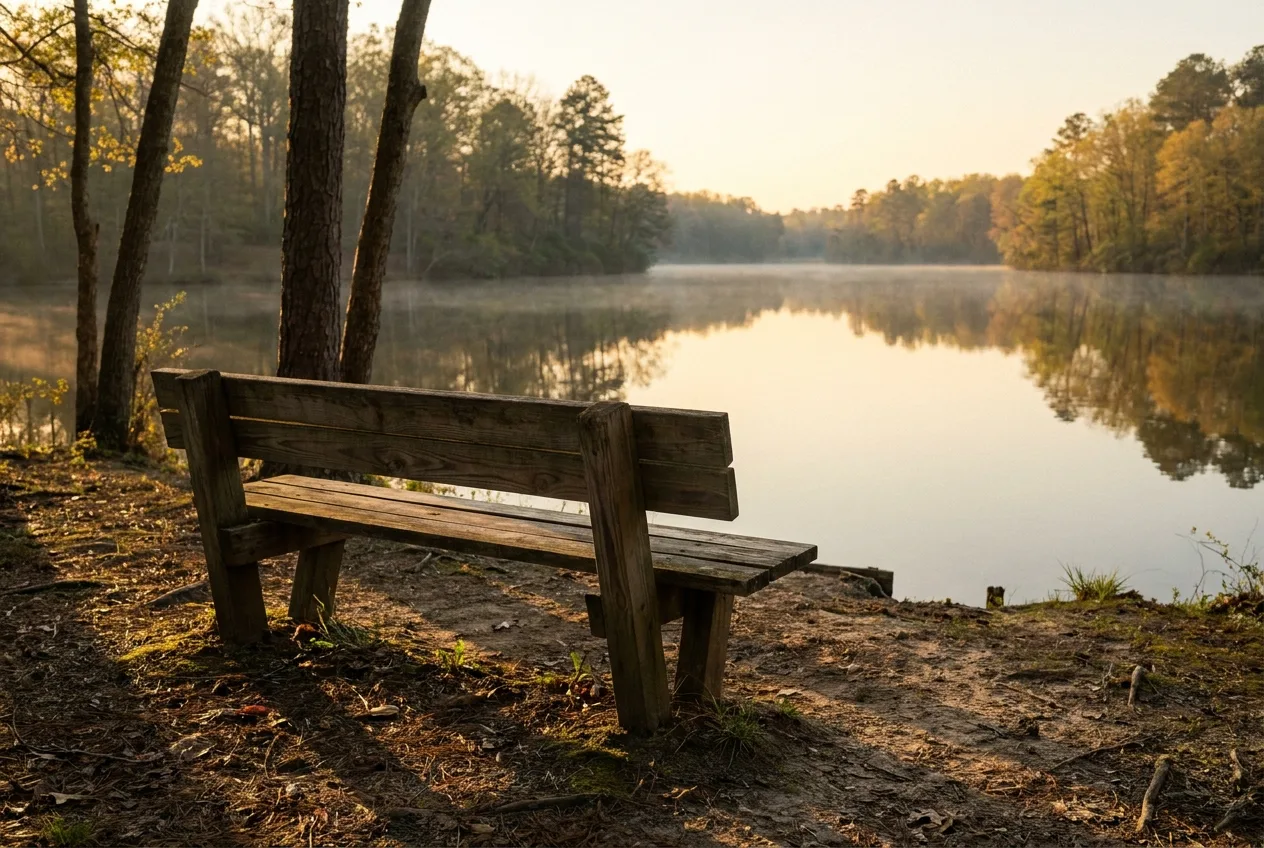
Object replacement (inpainting)
Using the provided image, change only the [old object] to [new object]. Keep everything else in the image exactly the same, preserving the original style, lighting, shadows, and composition.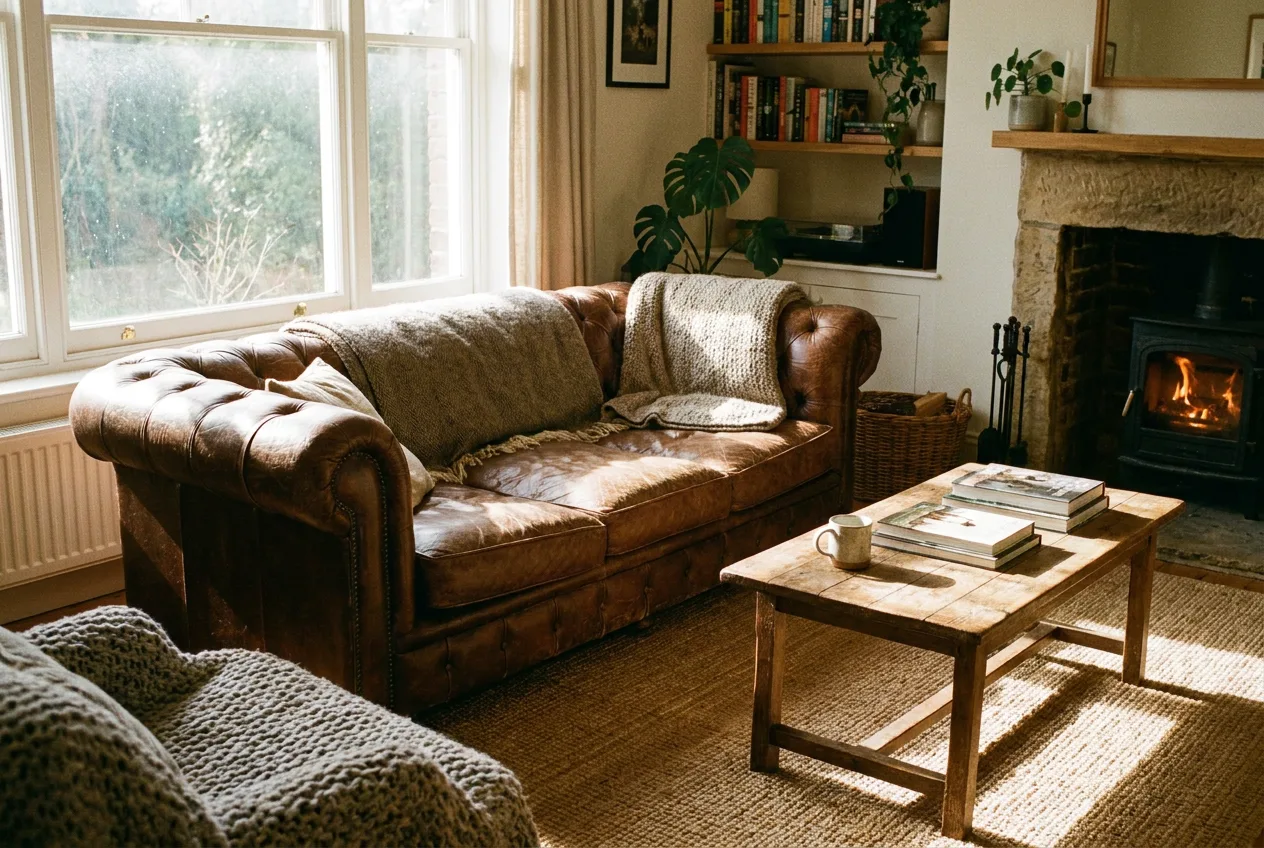
Background change
Using this image, keep the main subject exactly the same and replace the background with [new background]. Preserve the subject's pose, facial features, clothing, hair, edge details, and realistic shadows. Make the final image look like it was photographed in the new environment.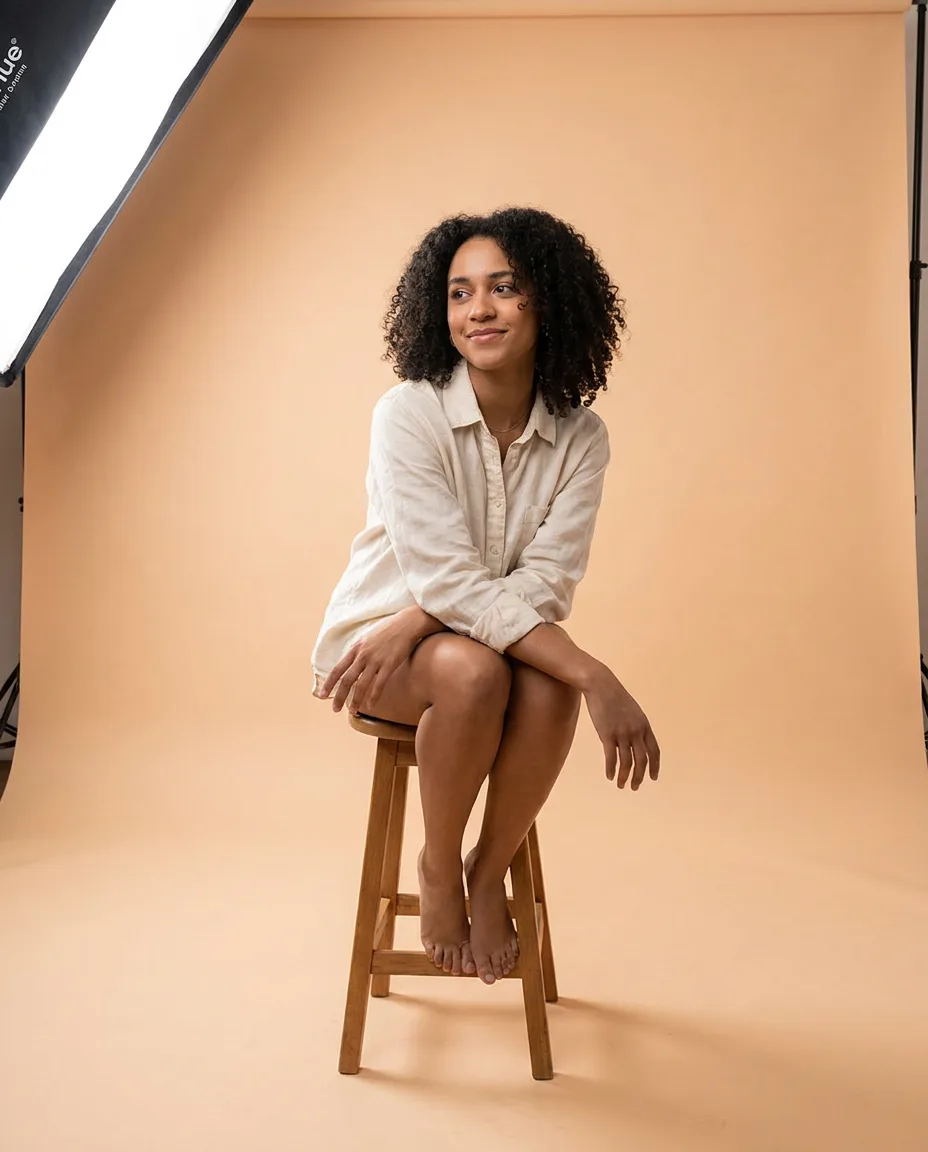
Smart crowd removal
Remove all the people in the background behind the main subject. Replace them with realistic background elements that logically fit the scene (extend the pavement, empty benches, or grass textures). Ensure no blurry artifacts or smudges remain — the filled area must match the same grain, focus depth, and lighting as the rest of the photo.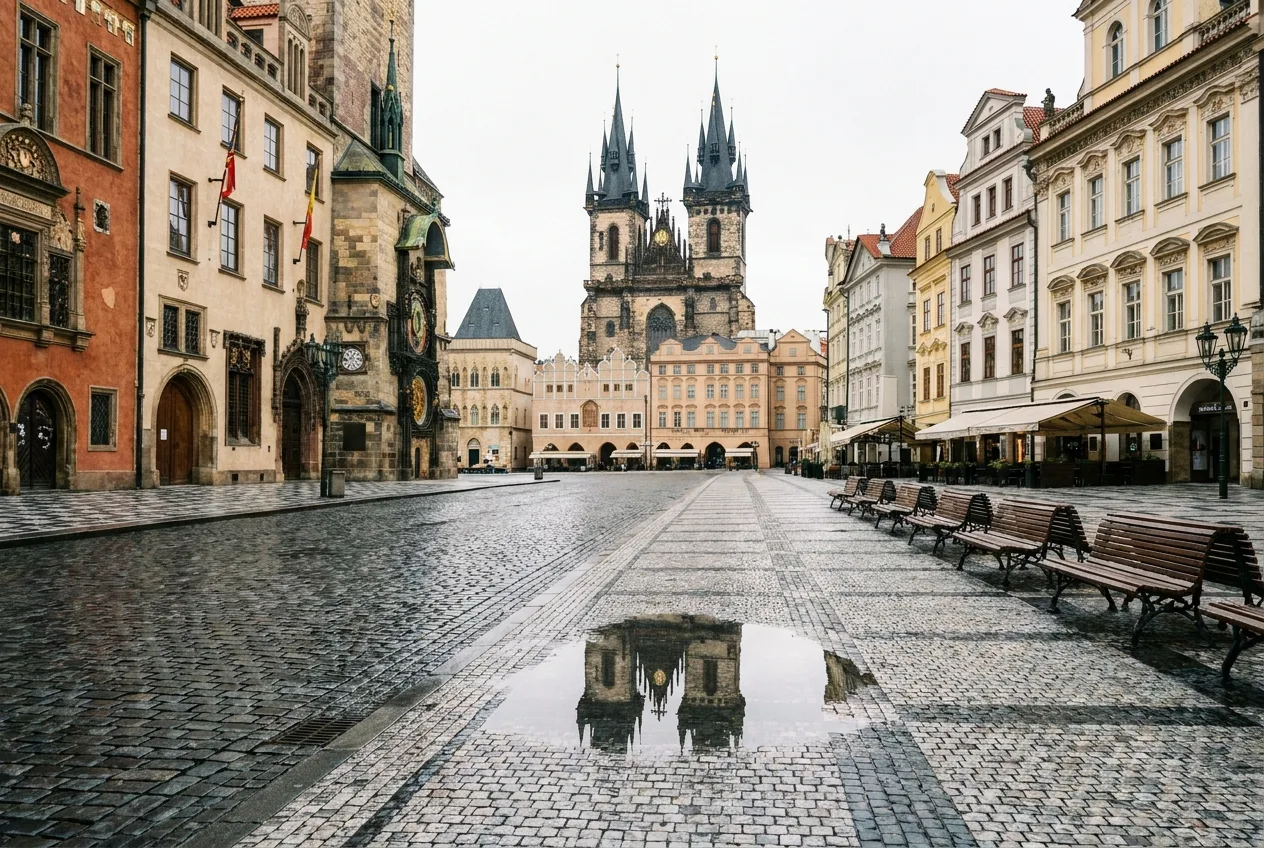
Expand / outpaint to a new ratio
Zoom out and expand this image to a 16:9 aspect ratio. Seamlessly extend the scenery on both sides, matching the original lighting, weather, and texture perfectly. If objects are cut off at the borders (a shoulder, a branch, a building edge), complete them naturally. Do not distort the original center of the image.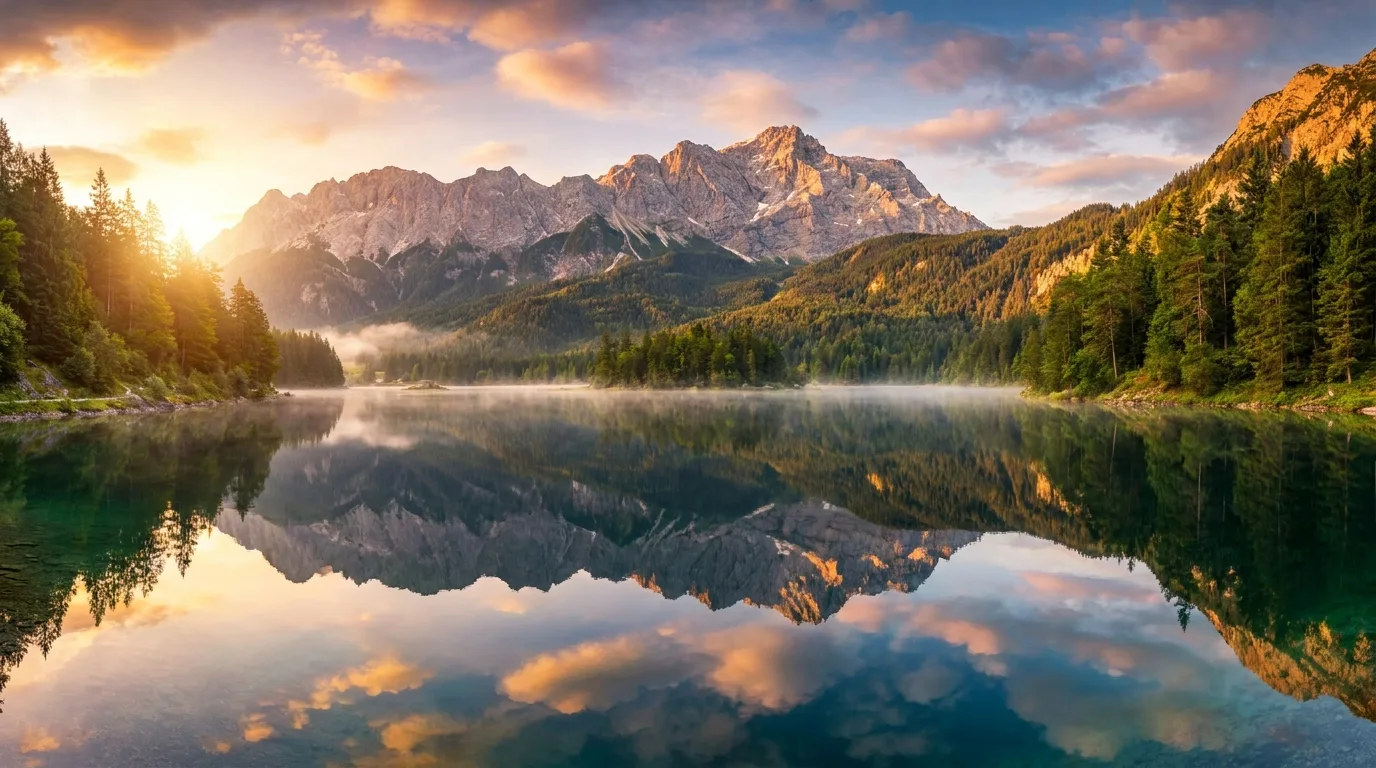
Lighting upgrade
Using this image, improve the lighting to look like a professional studio photo. Add a soft directional key light, subtle fill light, natural highlights, and realistic shadows. Preserve the original subject identity, pose, clothing, background layout, and composition.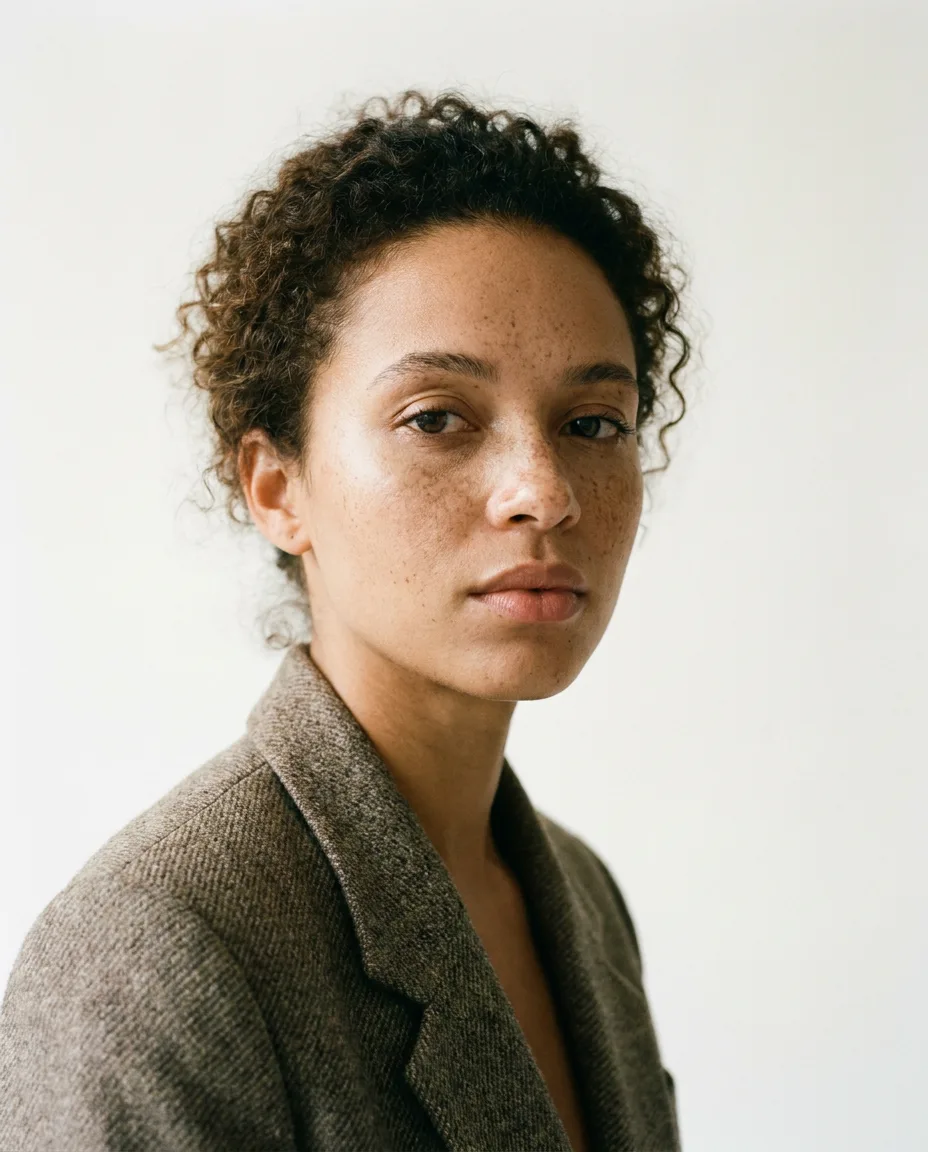
Portrait, Headshot & Avatar Prompts
Best model: Nano Banana (base). Input: 1 image or text.
Professional LinkedIn headshot
Using this image, create a professional headshot suitable for LinkedIn. Preserve the person's exact facial identity, natural skin texture, hairstyle, and expression. Use a clean neutral background, soft studio lighting, sharp eyes, realistic detail, and a confident but approachable mood. Framed from the chest up with ample headroom, shot on an 85mm lens with a shallow depth of field.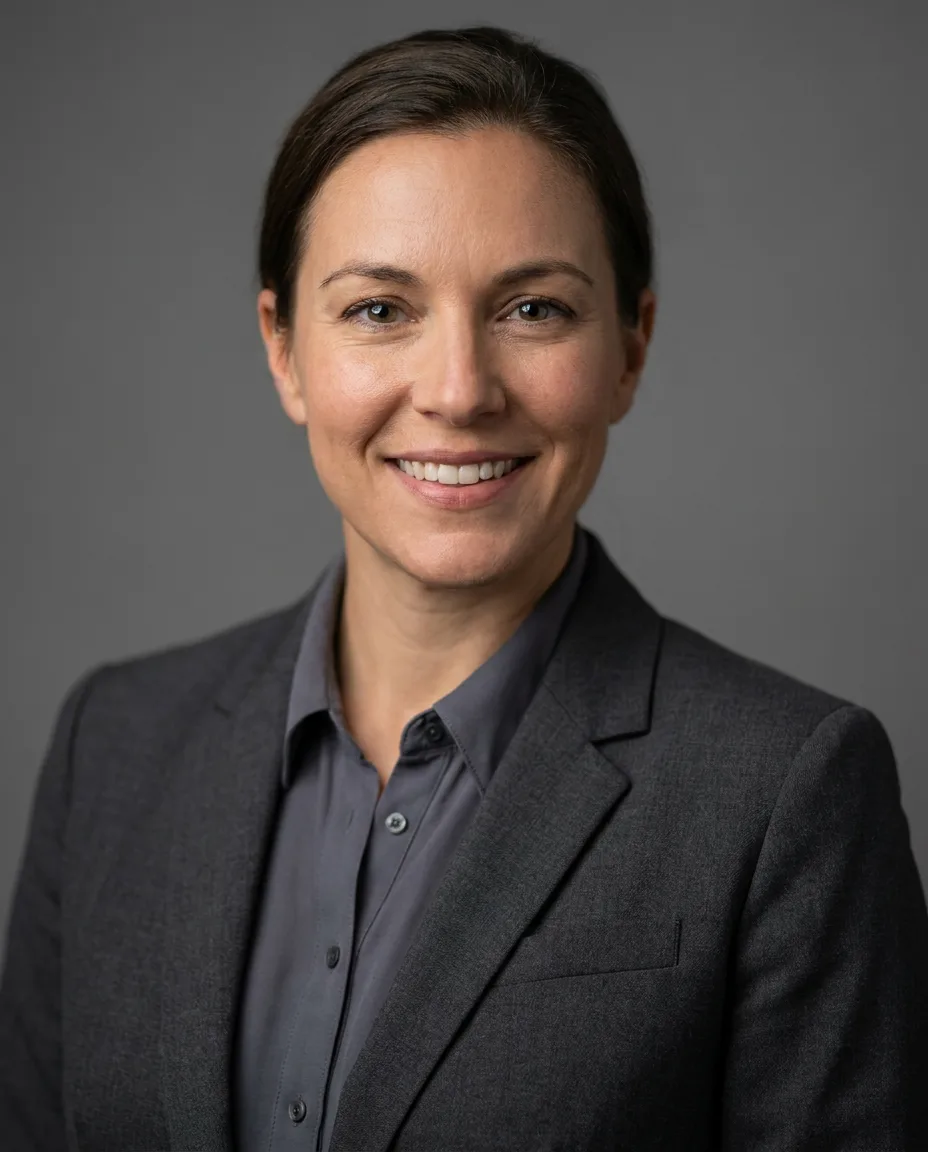
Founder portrait for a startup site
Using this image, create a modern founder portrait for a startup website. Keep the person's identity and natural expression. Use soft directional lighting, a clean office or studio background, shallow depth of field, realistic skin texture, and a premium editorial photography style.
Dramatic spotlight portrait
Generate a hyperrealistic portrait of the subject against a completely black background. Use a narrow-beam spotlight focused only on the center of the face, with sharp, dramatic light edges; everything outside the spotlight falls quickly into deep shadow. Preserve the subject's identity. Mood: dark, moody, mysterious, high contrast only on the lit part of the face.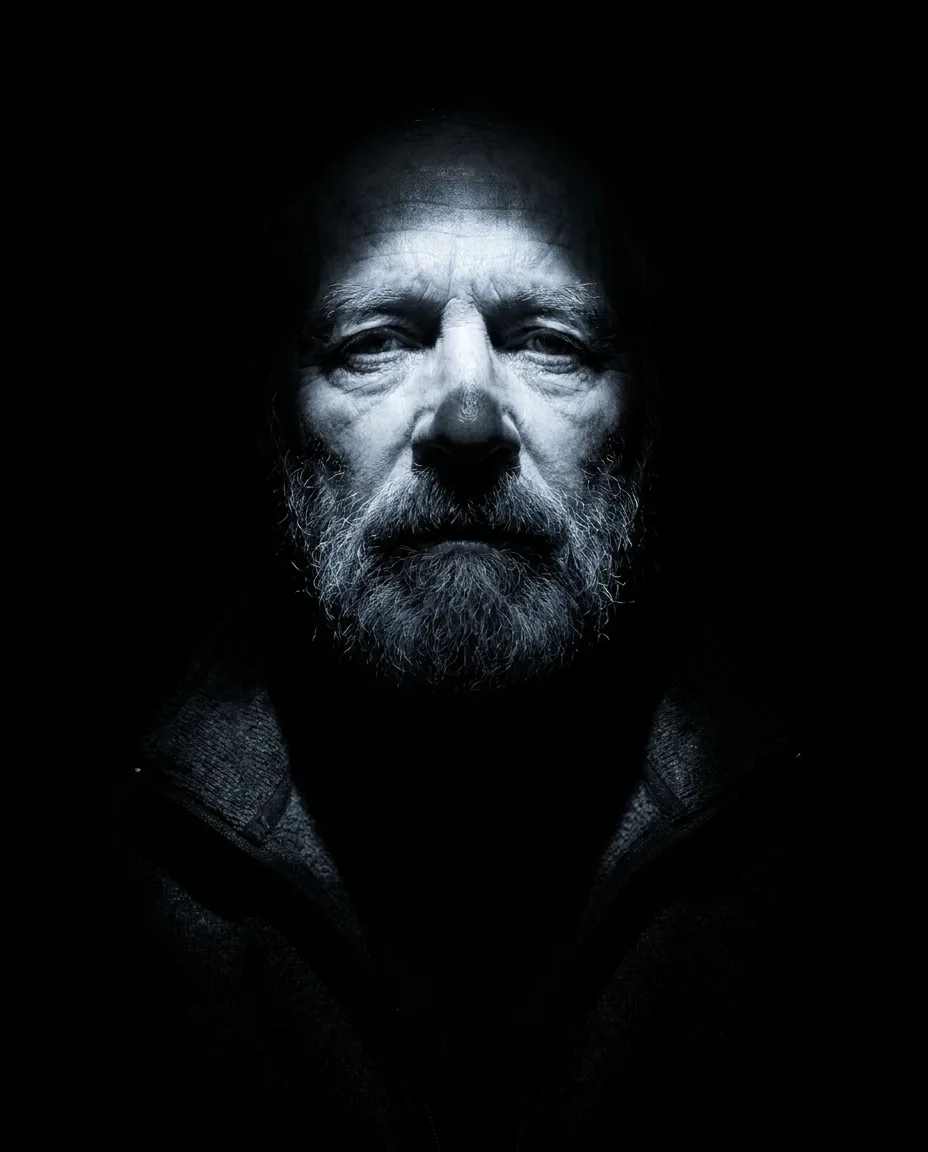
Cyberpunk portrait
Using this portrait, transform the person into a cinematic cyberpunk character. Preserve facial identity and expression. Add neon city lighting, subtle futuristic clothing details, reflective highlights, atmospheric depth, and a realistic cinematic color grade.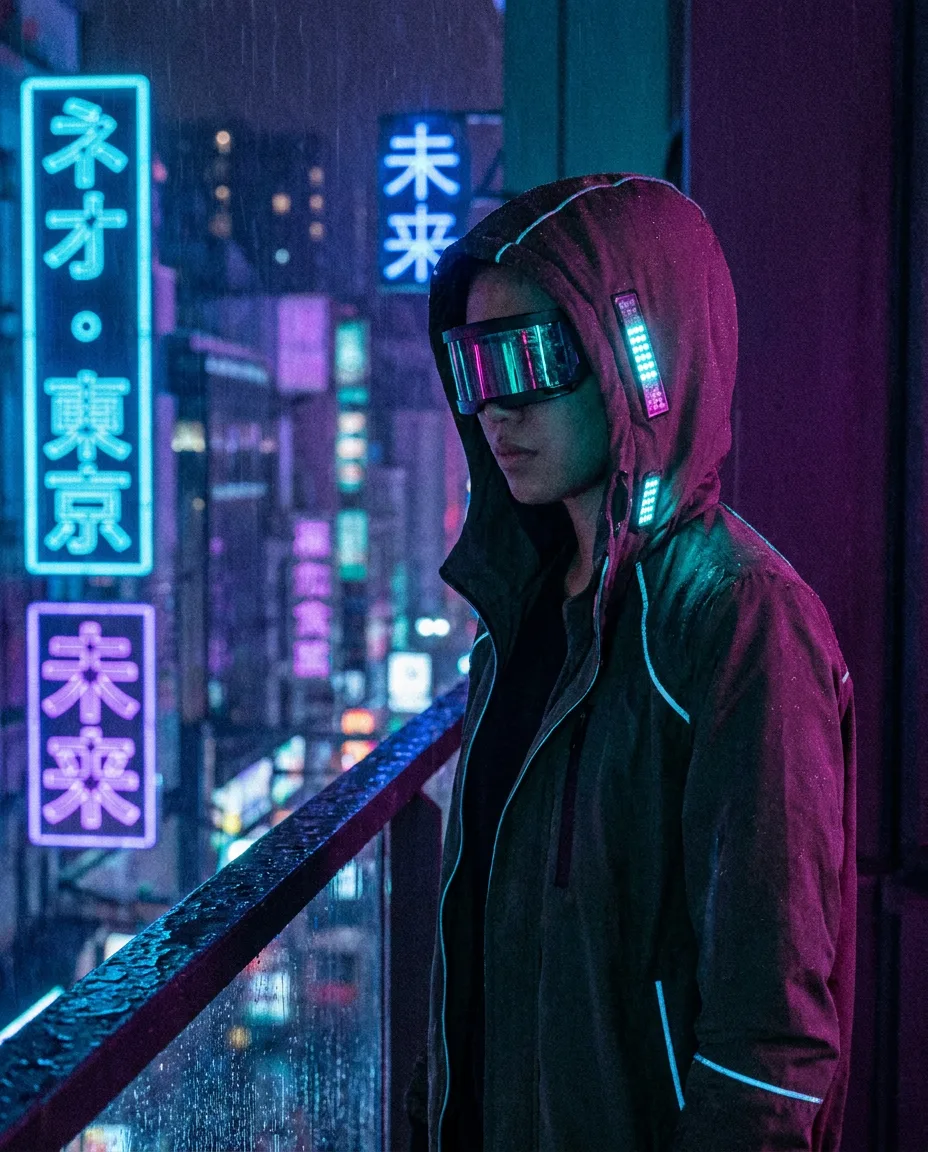
Face Swap Prompts
Best model: Nano Banana (base). Input: 2 images.
Realistic face swap
Using Reference Image 1 as the target scene and Reference Image 2 as the face reference, replace the person's face in the target scene with the face from the reference image. Preserve the target scene's pose, hairstyle, lighting, camera angle, skin-tone integration, expression, and background. Make the result photorealistic and natural, with no visible seams or distortion.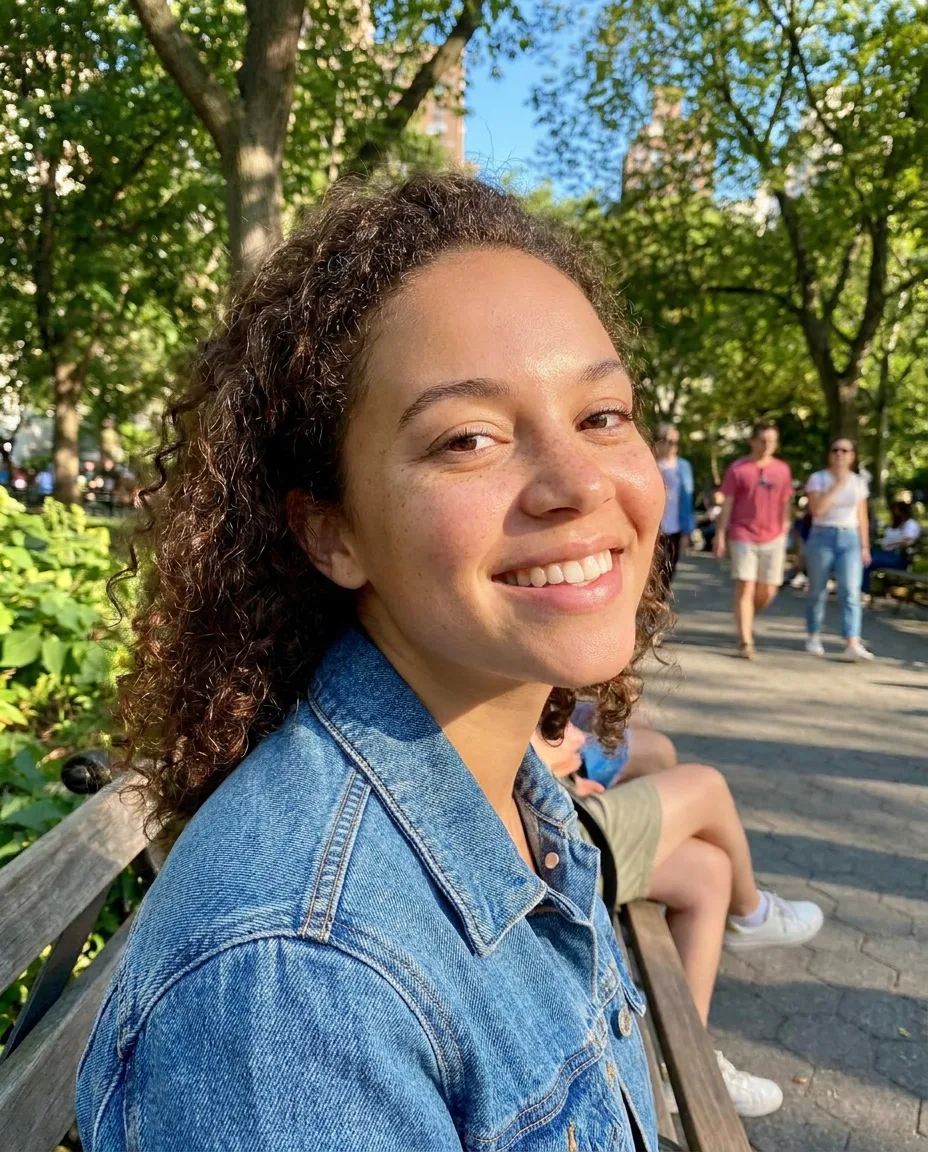
Identity-preserving face update
Using this image, update the person's face to match the reference face while keeping the original pose, hairstyle, outfit, lighting, background, and camera angle unchanged. Preserve realistic skin texture, natural shadows, facial proportions, and expression consistency.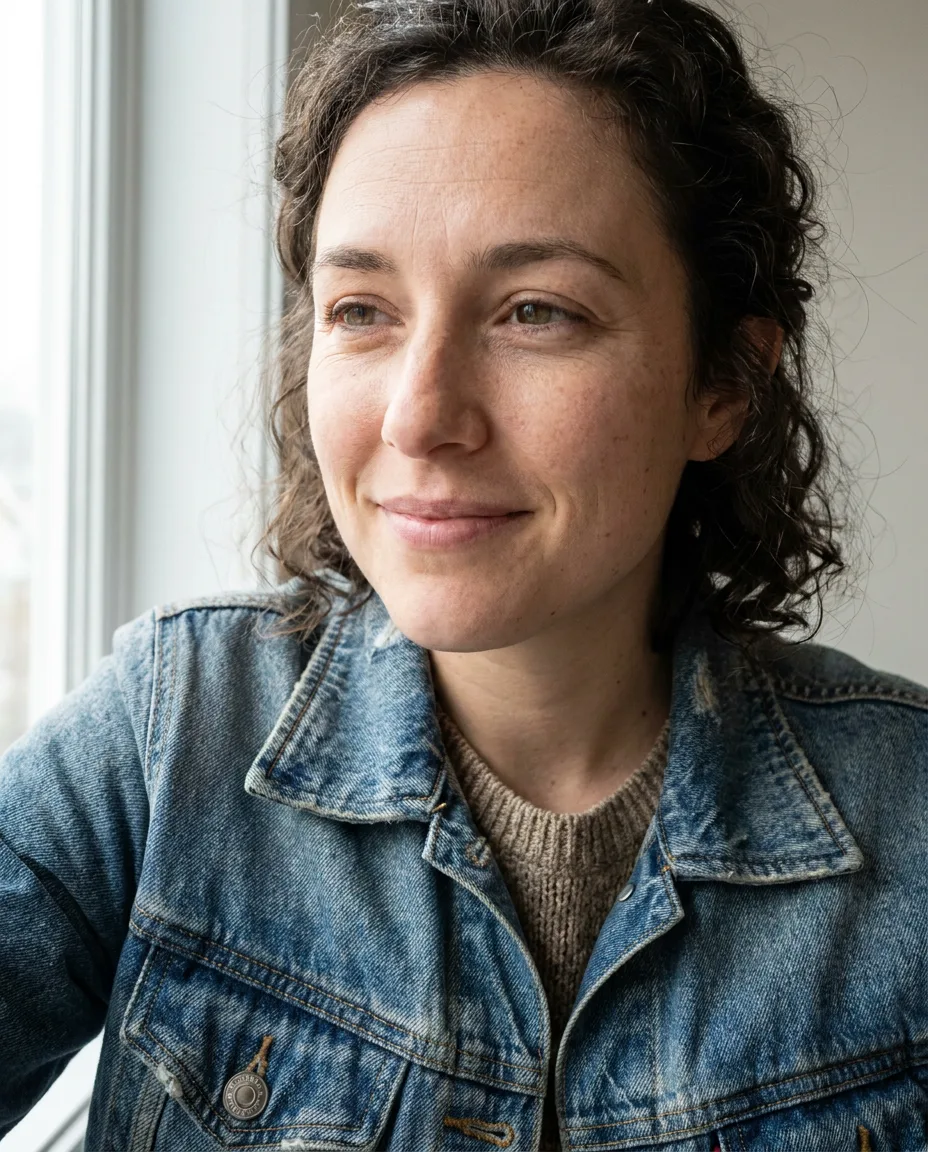
Product Photography & E-commerce Prompts
Best model: Nano Banana (base) for edits, Pro for hero shots. Input: 1–2 images.
Studio product shot
A high-resolution, studio-lit product photograph of a [product description] on a [surface]. The lighting is a three-point softbox setup creating soft, diffused highlights with no harsh shadows. Slightly elevated 45-degree camera angle to showcase its clean lines. Ultra-realistic, with sharp focus on [key detail]. Square image.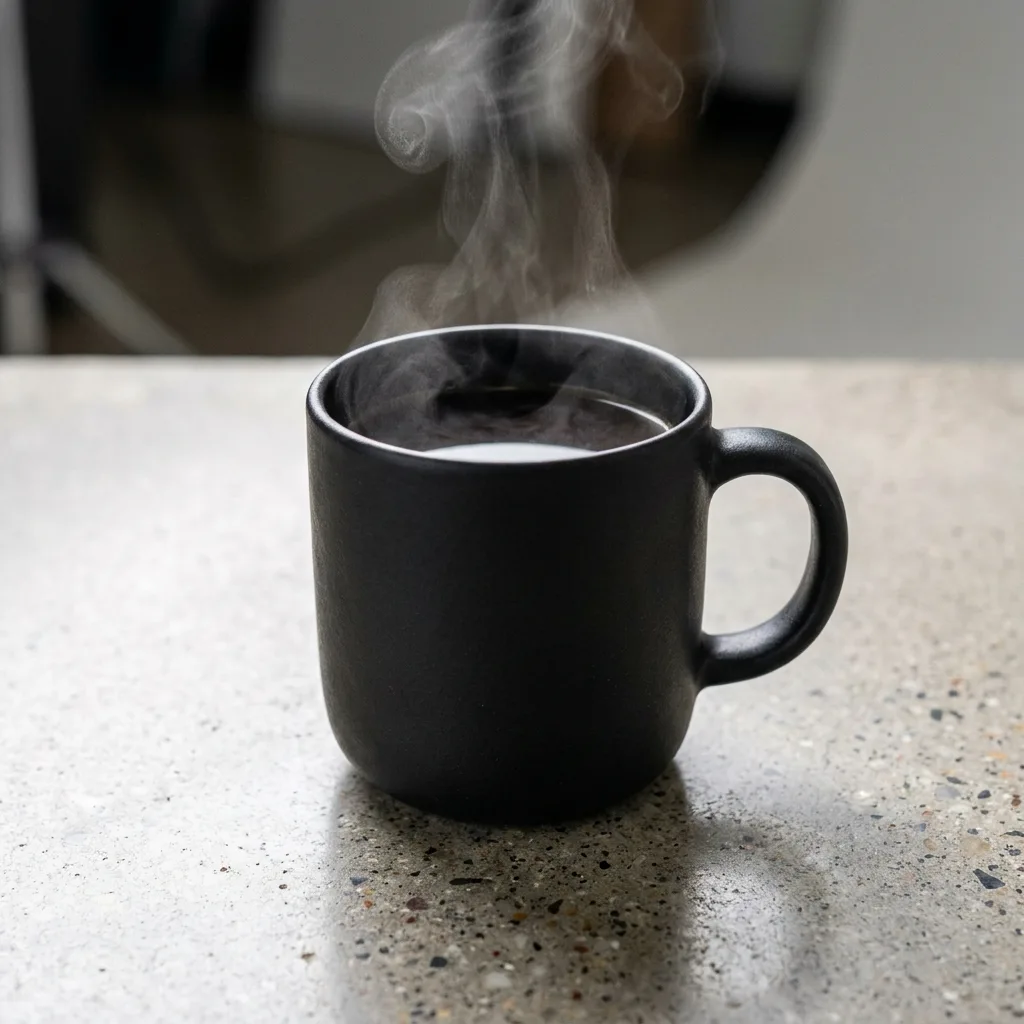
Auto-isolate to clean white background
Identify the main product in the uploaded photo and recreate it as a premium e-commerce shot. Cleanly extract the product, completely removing any fingers, hands, or clutter. Place it on a pure white studio background (RGB 255, 255, 255) with a subtle natural contact shadow to ground it. Use soft commercial studio lighting with even illumination and no harsh glare. Fix lens distortion, improve sharpness, and color-correct so the product looks brand new.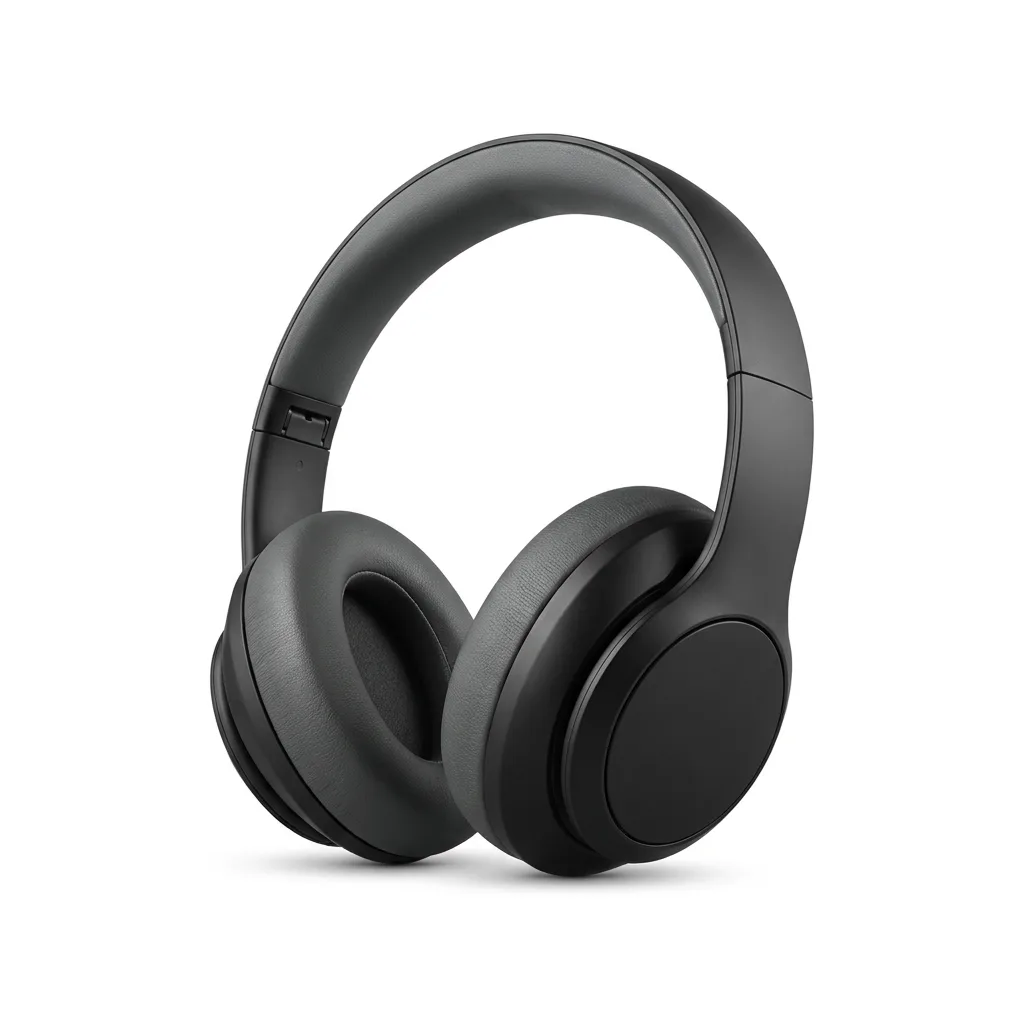
Virtual model try-on
Using Image 1 (the garment) and Image 2 (the model), create a hyper-realistic full-body fashion photo where the model is wearing the garment. The garment must drape naturally on the model's body with realistic folds and wrinkles. Preserve the original fabric texture, color, and any logos from Image 1 with extreme accuracy. Match the ambient lighting, color temperature, and shadow direction of Image 2. Clean e-commerce lookbook style, shot on a 50mm f/1.8 lens.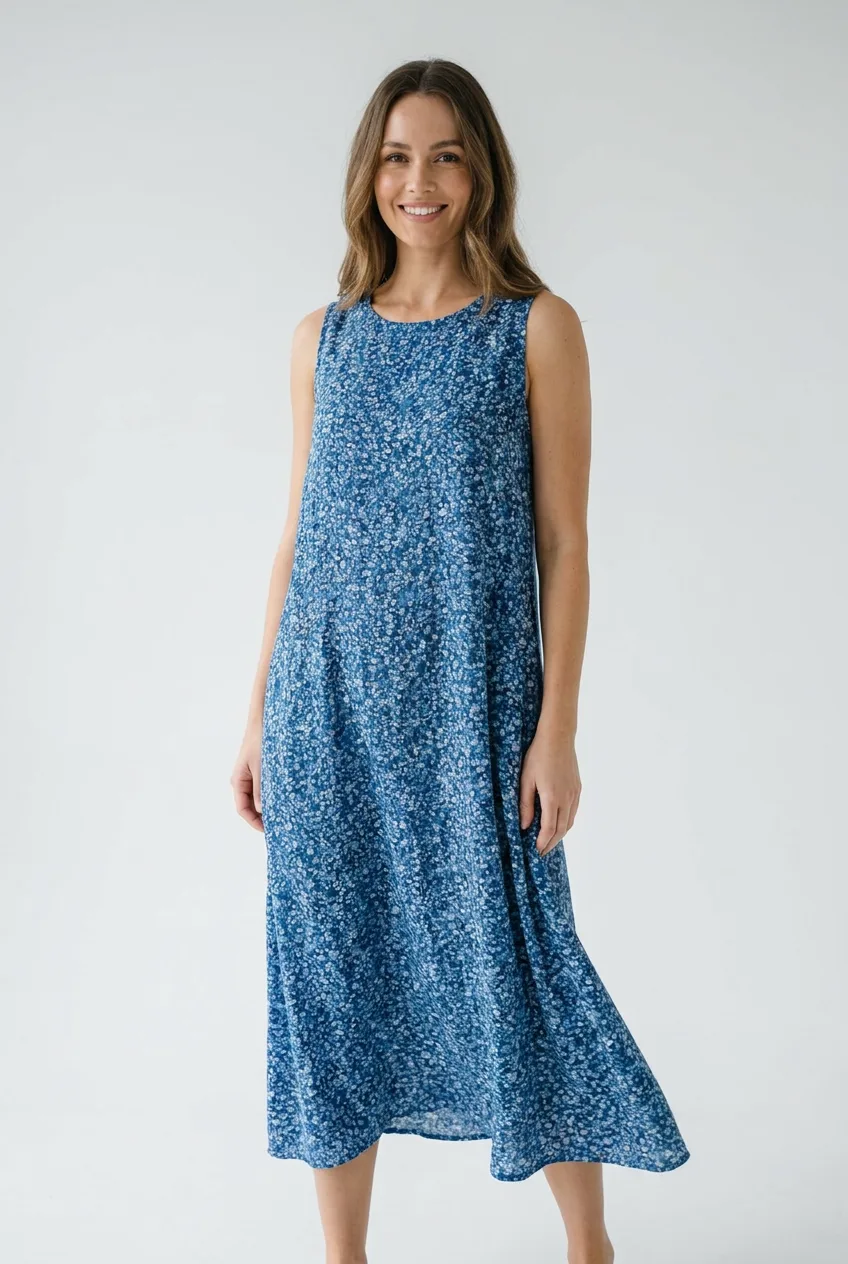
Lifestyle scene placement
Using this product image, place the product naturally in a lifestyle scene: [describe scene]. Match the lighting, perspective, scale, shadows, and material texture. Keep the product design, color, logo, and label accurate and unchanged.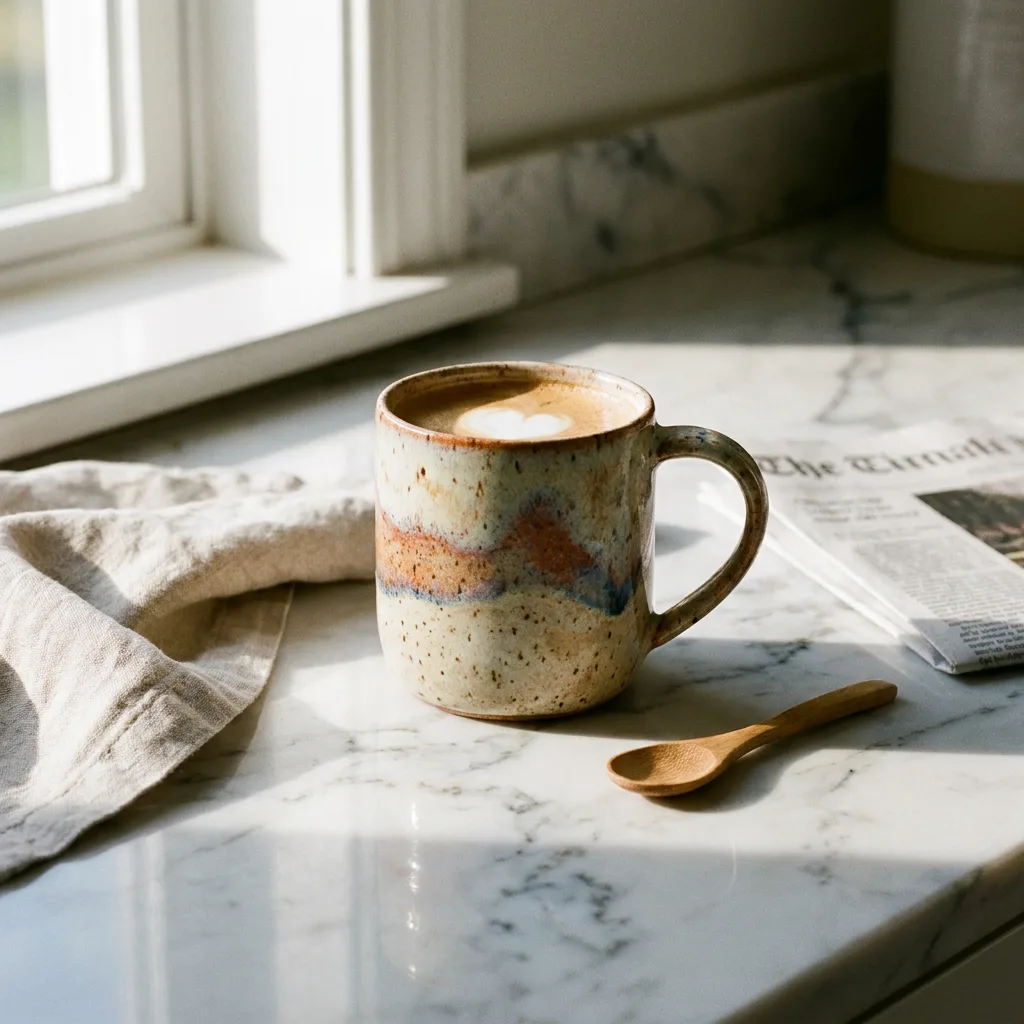
Logo, Text & Typography Prompts
Best model: Nano Banana Pro (stronger at text). Input: text.
Minimal brand logo
Create a modern, minimalist logo for [brand/concept] with the text "[brand name]" in a clean, bold, sans-serif font. Feature a simple, stylized icon of [icon idea] seamlessly integrated with the text. Color scheme: [colors]. Plain white background.
Text cut-out poster
A typographic poster with a solid black background. Bold letters spell "[WORD]", filling the center of the frame. The text acts as a cut-out window — a photograph of [scene] is visible ONLY inside the letterforms.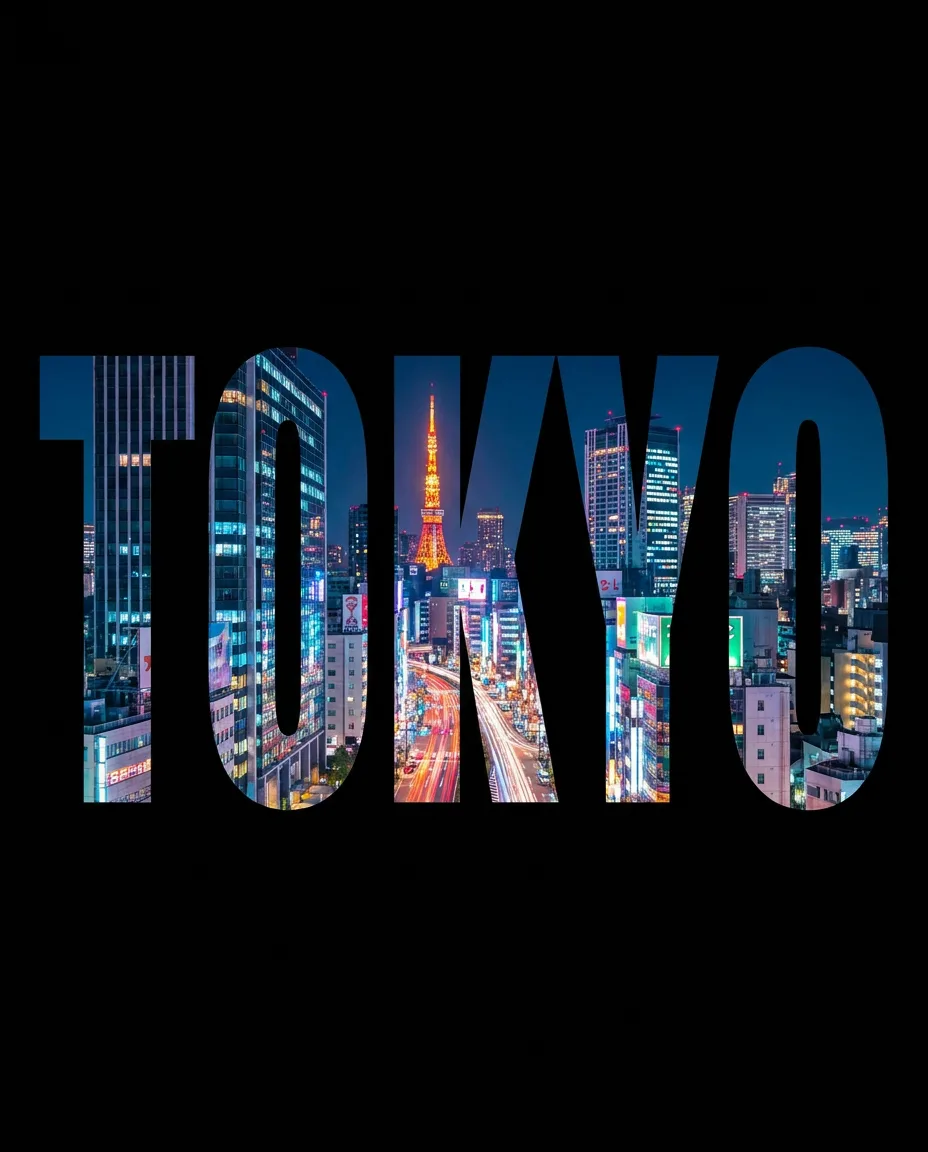
App icon
Create a polished app icon for "[app name]", a [product description]. Use a simple symbolic shape, rounded-square icon format, strong silhouette, subtle depth, a modern gradient, and high readability at small sizes. No mockup, no device frame, no extra text.
3D Figurine & Blind Box Prompts
Best model: Nano Banana (base). Input: 1 image.
3D collectible figurine
Using this image, turn the person into a realistic 3D collectible figurine. Preserve the person's facial identity, hairstyle, outfit, and pose. Render it as a high-quality plastic toy figure on a transparent acrylic base, with realistic studio lighting, soft shadows, detailed materials, and premium collectible packaging in the background.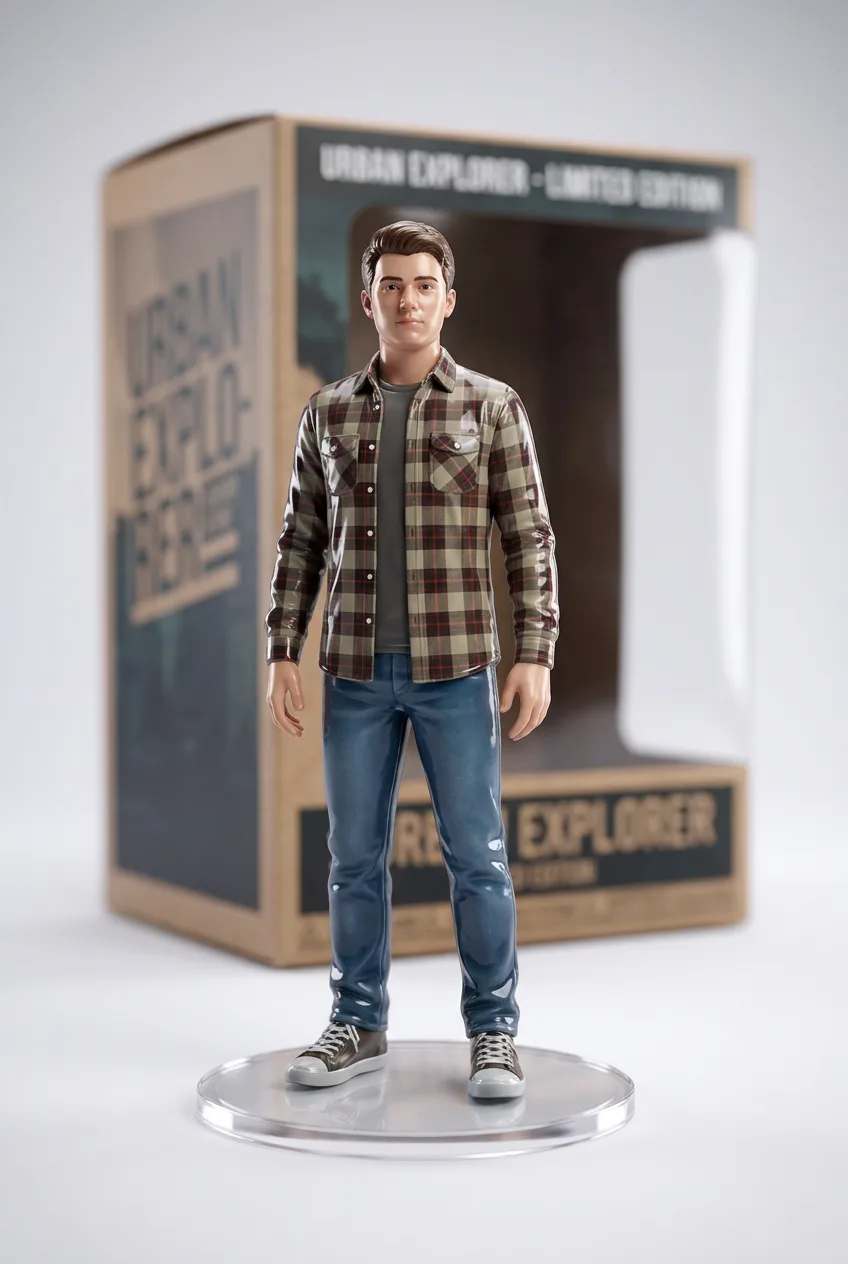
Blind-box chibi toy
Using this character image, create a cute blind-box toy version of the character with a glossy vinyl finish and an oversized head. Keep the key facial features, hairstyle, outfit colors, and recognizable identity. Use a polished 3D vinyl toy style, rounded shapes, soft studio lighting with a gentle rim light, and a clean pastel background.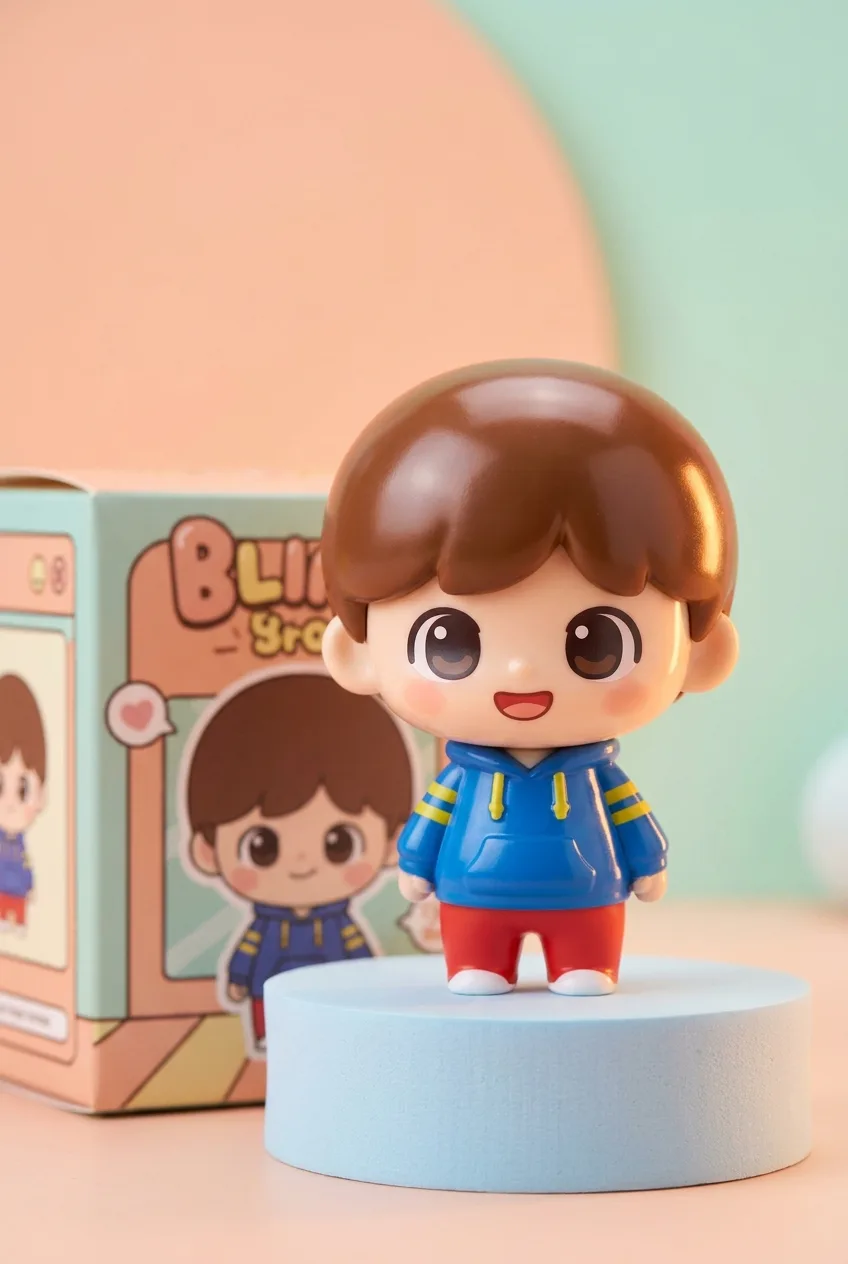
3D chibi brand store diorama
A 3D chibi-style miniature concept store for [brand name], with an exterior inspired by the brand's most iconic product or packaging. Two floors with large glass windows showing a cozy, finely decorated interior in the brand's primary color, warm lighting, and staff in matching outfits. Tiny figures stroll along the street with benches, street lamps, and potted plants. Rendered in a blind-box toy aesthetic with soft afternoon lighting. Use a 2:3 portrait aspect ratio.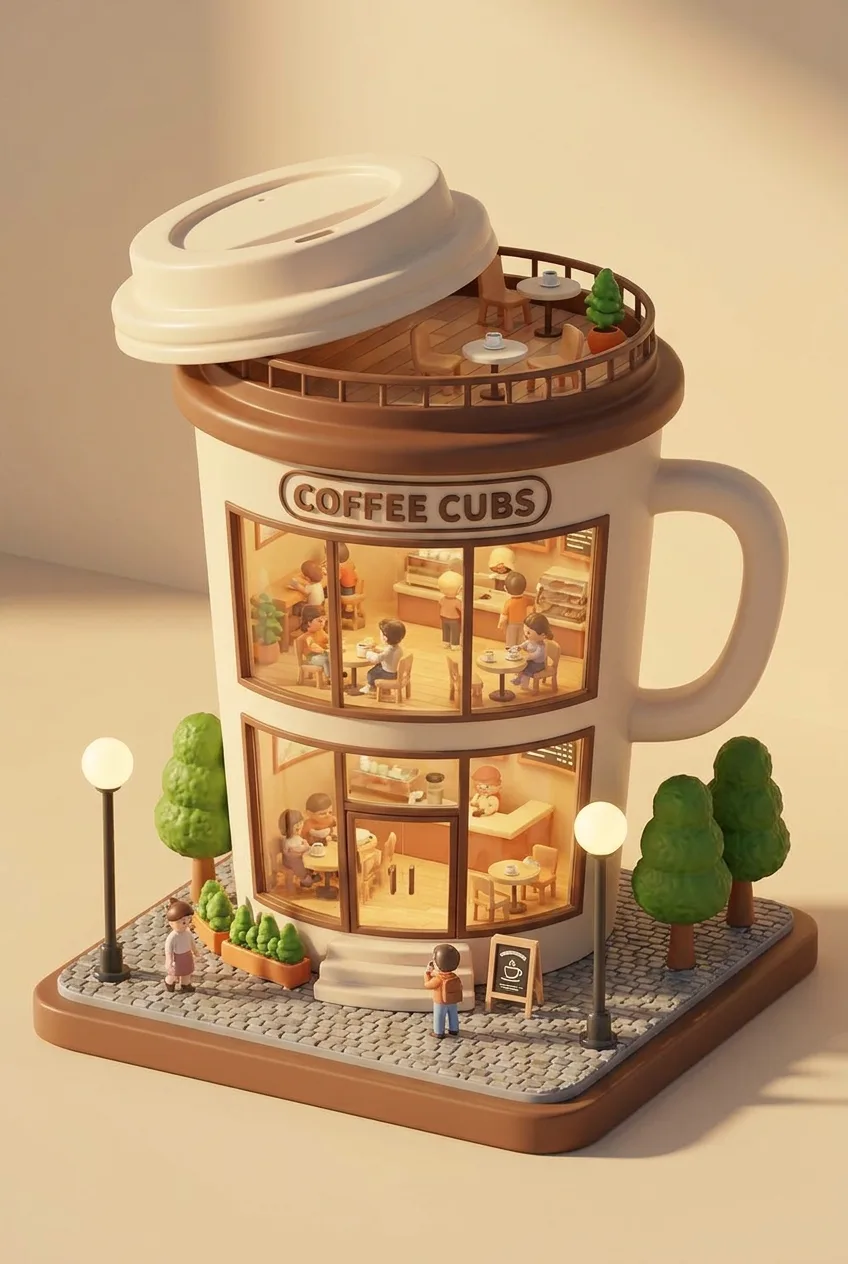
Photo Restoration & Colorization Prompts
Best model: Nano Banana (base). Input: 1 image.
Restore & colorize an old photo
Restore and colorize this old photograph. Remove all scratches, dust, stains, creases, and fading while preserving the original facial features, proportions, and expression exactly. Apply natural, period-accurate colors with subtle saturation, keep authentic film-grain texture, and avoid over-sharpening or plastic-looking skin. Output a clean, realistic, naturally restored photo.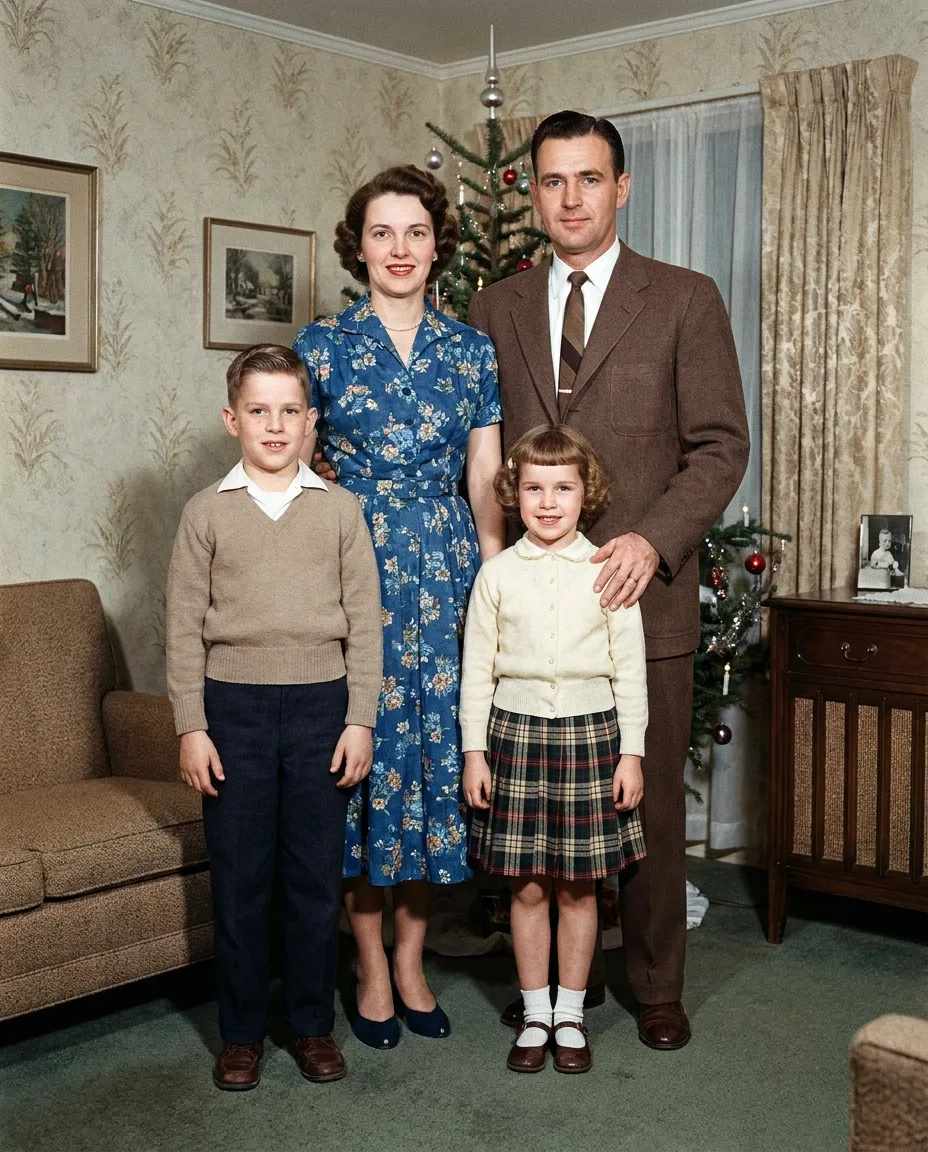
Colorize only (preserve detail)
Colorize this black-and-white photograph with natural, realistic colors appropriate to the time period. Use subtle, believable saturation, preserve the original grain and detail, and do not alter faces, clothing shapes, or composition. The result should look like an authentic vintage color photo.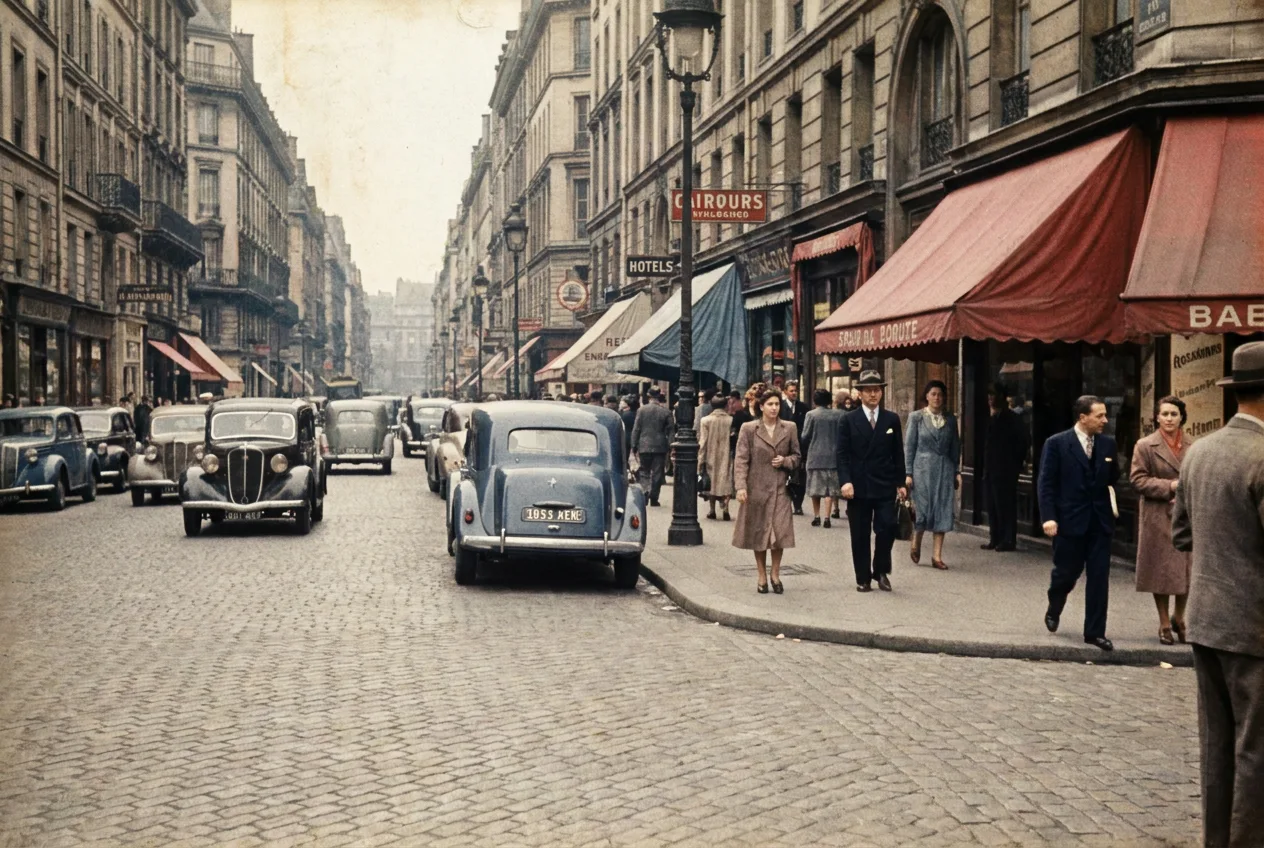
YouTube Thumbnail Prompts
Best model: Nano Banana Pro (text + composition). Input: text or 1 image.
Surreal cloud-shape hero
Hyper-realistic photography of massive volumetric clouds forming the shape of a majestic [animal], anatomically accurate cloud structure, soft yet dense cumulus with realistic depth, dramatic golden-hour lighting with sun rays piercing through. Foreground: a vast [landscape] with cinematic depth of field. Sky: warm orange and blue gradient, slight haze, volumetric fog. Style: DSLR, 85mm lens, f/2.8, razor-sharp focus, photorealism, no CGI look. Mood: majestic and surreal yet believable.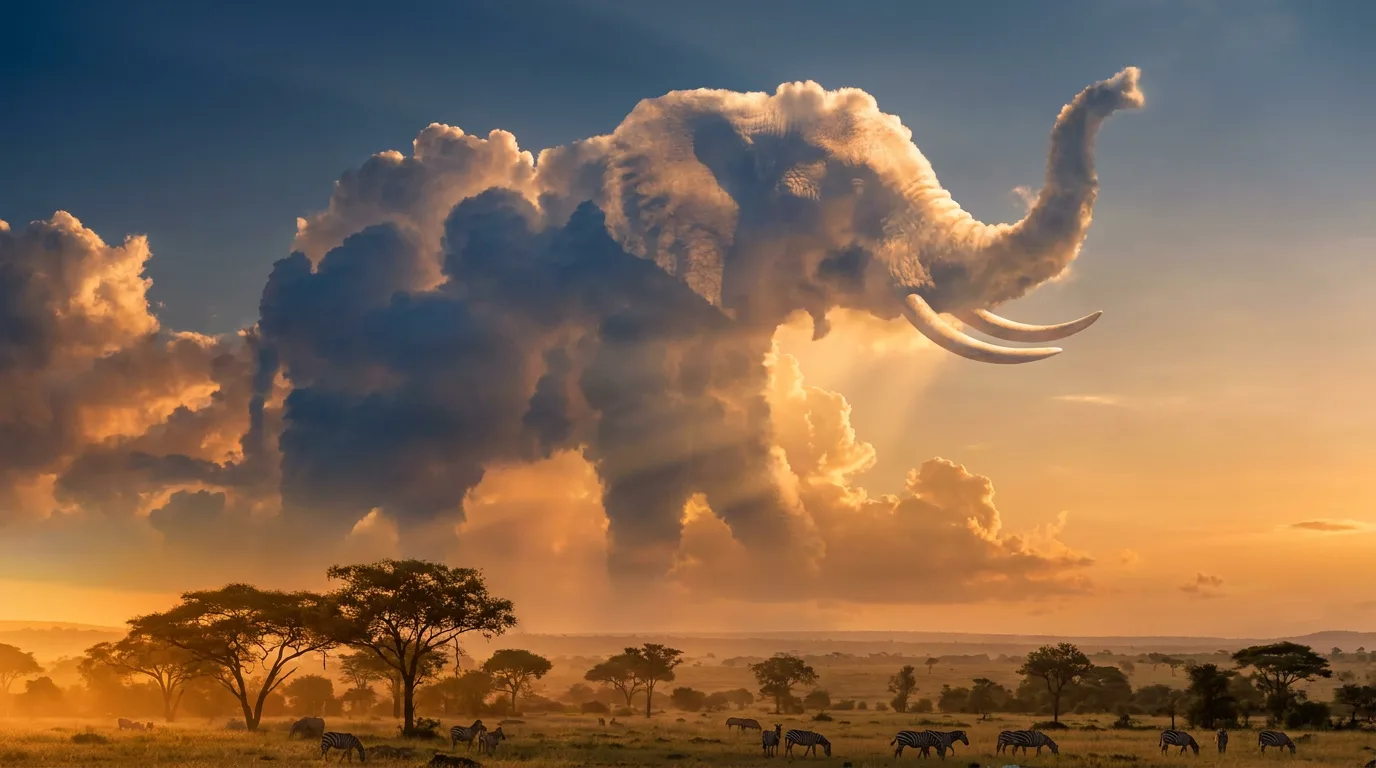
Bold reaction-style thumbnail
Create a high-impact YouTube thumbnail. Place [subject] on the left with an exaggerated, expressive reaction. On the right, leave clean negative space for a short bold headline reading "[3-4 word hook]" in a heavy sans-serif font. High color contrast, punchy lighting, slight vignette, and a clear focal point optimized for small sizes. 16:9 aspect ratio.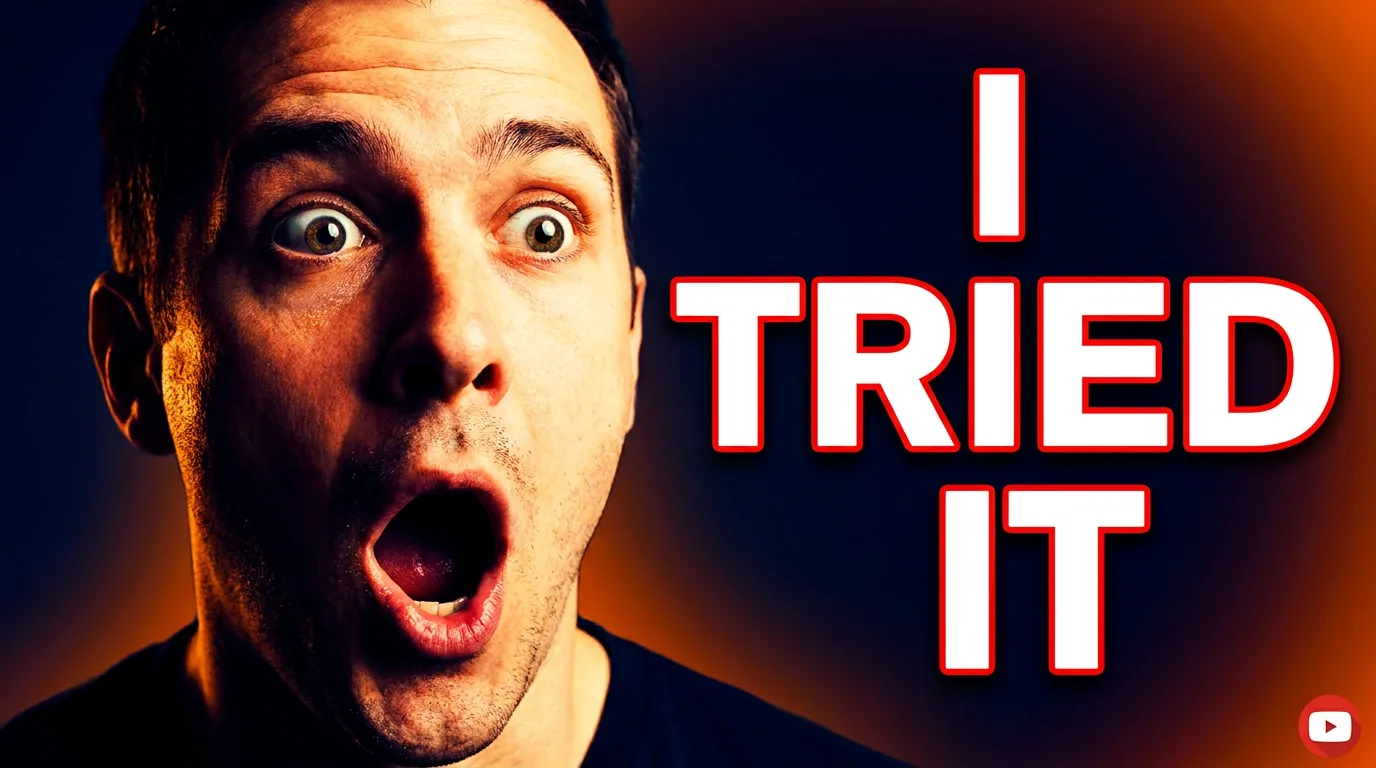
Comic & Storyboard Prompts
Best model: Nano Banana (base). Input: text or 1 reference image.
Single comic panel
A single comic book panel in a [art style] style. In the foreground, [character and action]. In the background, [setting details]. A caption box at the top reads "[caption text]". The lighting creates a [mood] mood. Landscape orientation.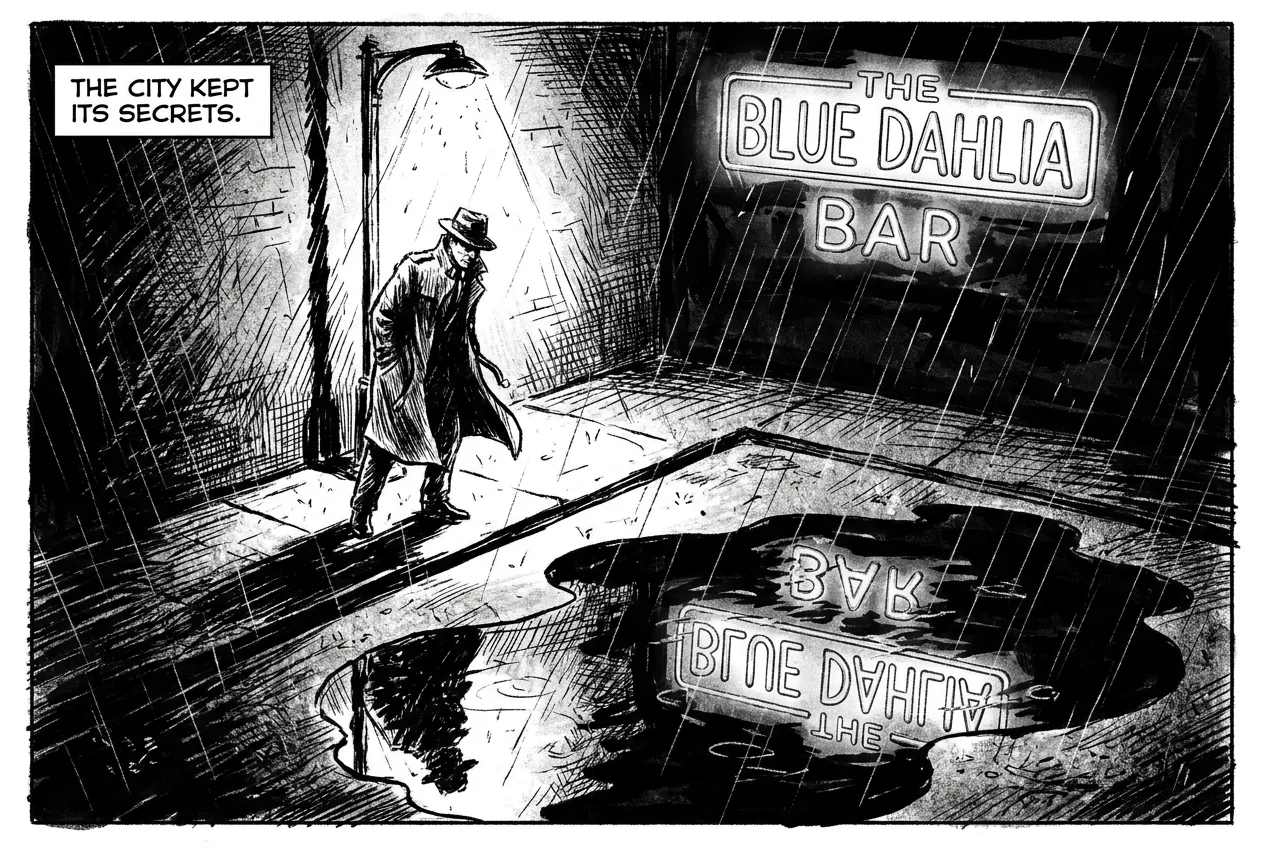
Storyboard sequence (consistent character)
Using this character reference, create a 4-panel storyboard showing the same character doing [action sequence]. Keep the character's identity, outfit, hairstyle, and proportions consistent across all panels. Use cinematic framing, clear scene progression, and a consistent lighting style.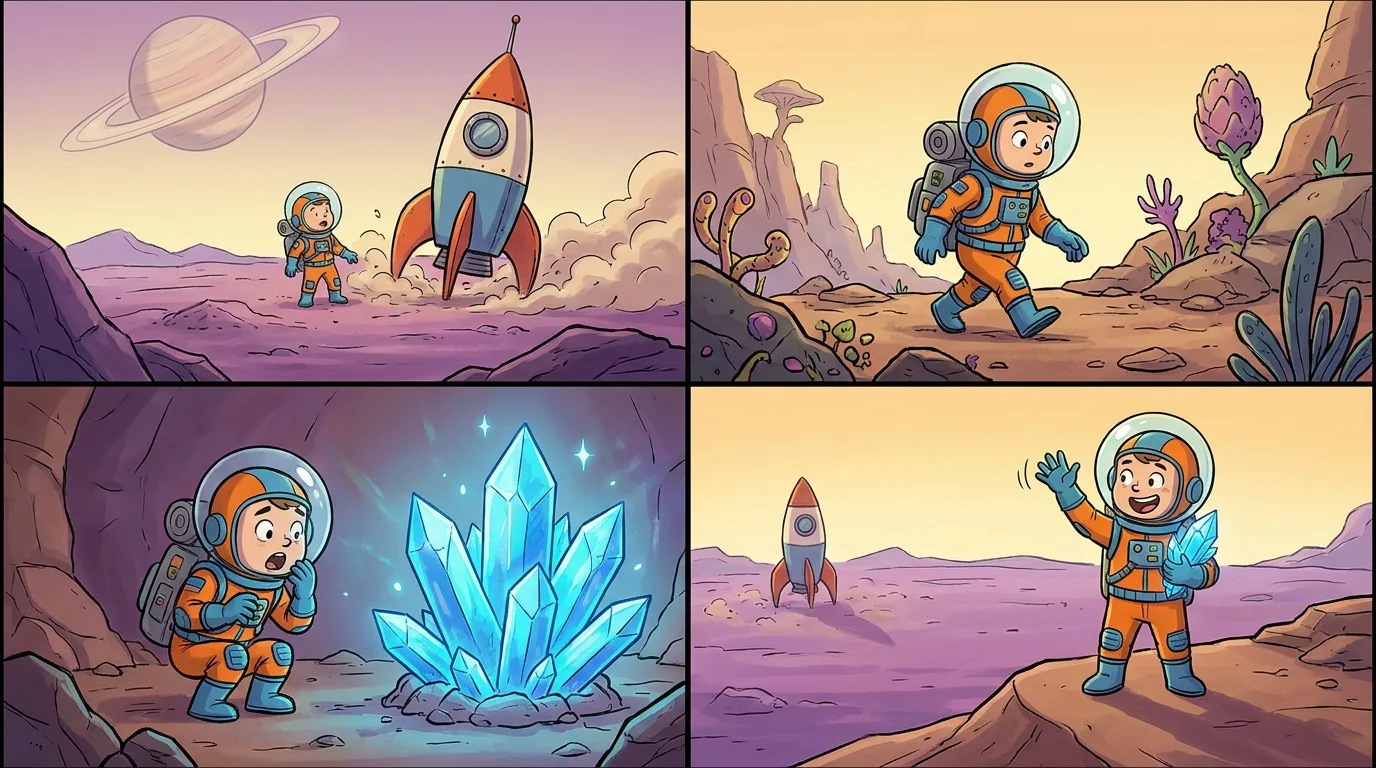
Infographic & Educational Prompts
Best model: Nano Banana Pro (text + layout). Input: text or 1 image.
Concept-as-recipe infographic
Create a vibrant infographic that explains [concept] as if it were a recipe. Show the "ingredients" ([input parts]) and the "finished dish" ([result]). Use clean iconography, clear labels, and a friendly educational layout.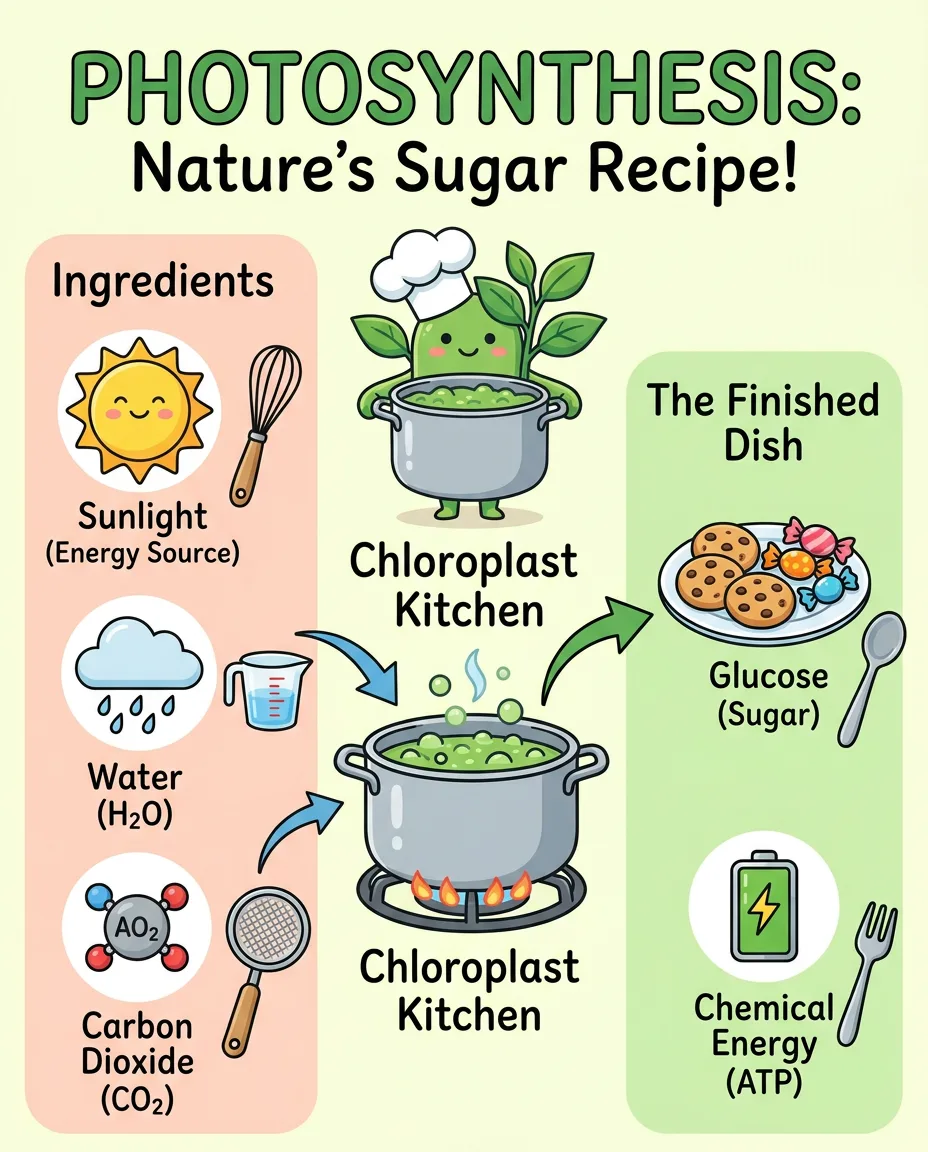
Turn a photo into a visual guide
Convert this image into an information-visualization guide describing this location. Add clear labels, short annotations, and a clean editorial infographic layout while keeping the original scene recognizable.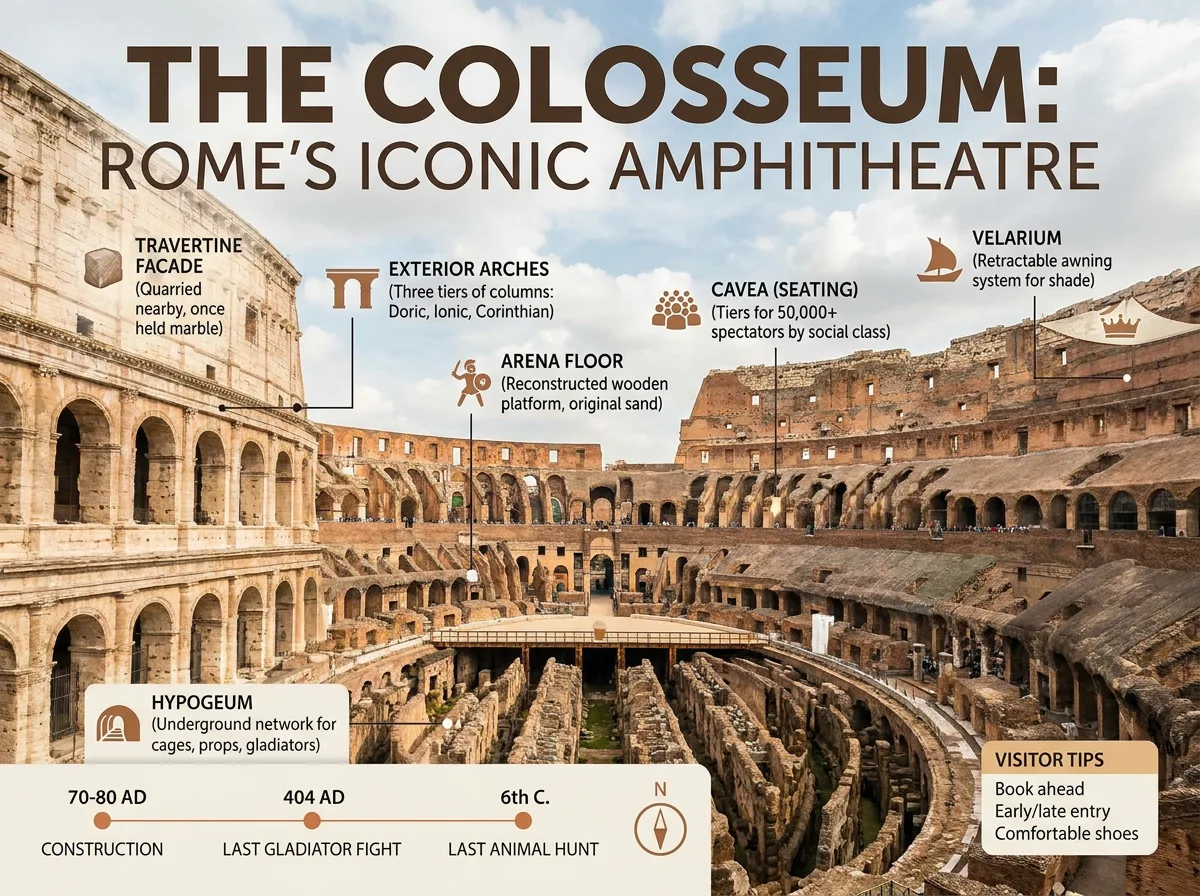
Whiteboard sketch to corporate flowchart
Convert this hand-drawn whiteboard sketch into a professional corporate flowchart for a business presentation. Use a minimalist style: clean lines, ample whitespace, and a blue-and-gray palette. Align all boxes to a strict grid, connect them with straight 90-degree orthogonal arrows, and transcribe handwritten labels into a clear bold sans-serif font. High-resolution, pure white background.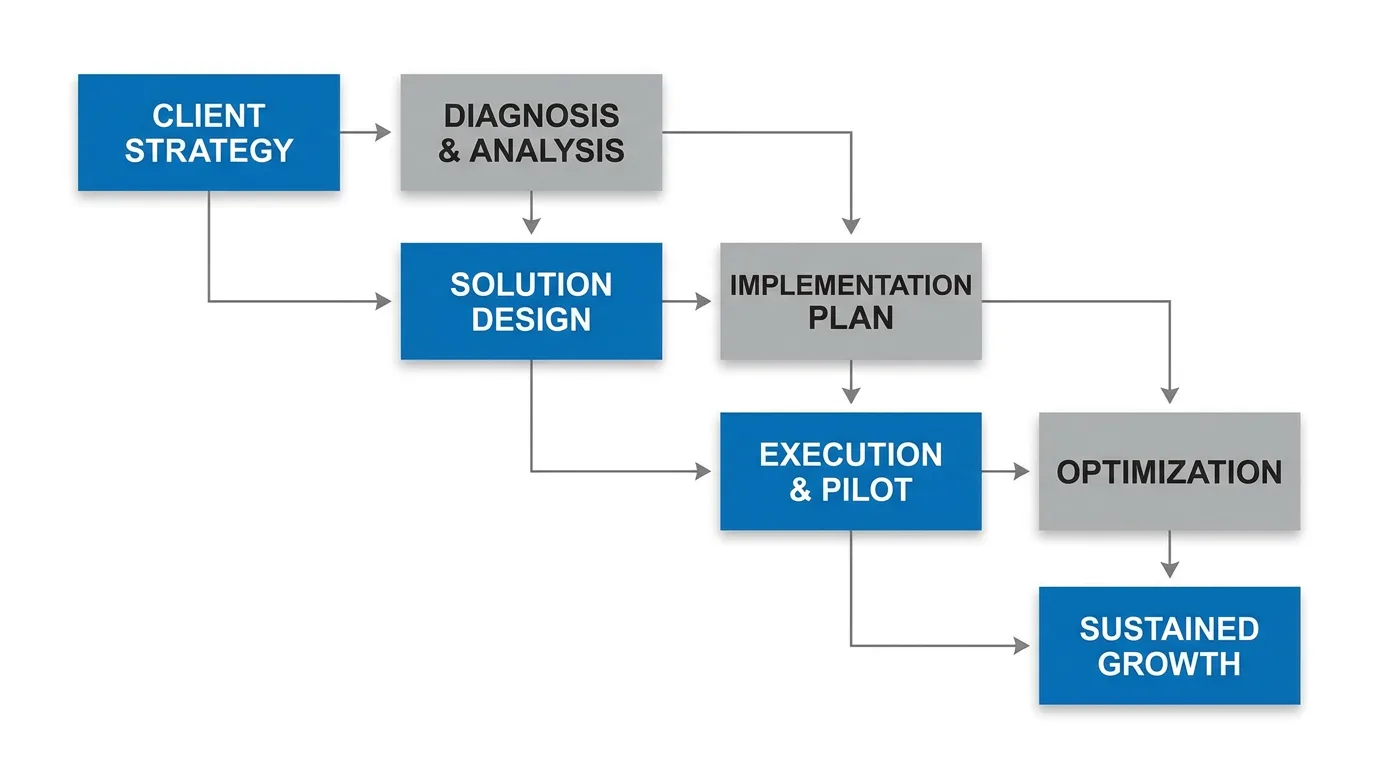
Localize an infographic
Update this infographic to be in [language]. Do not change any other elements of the image.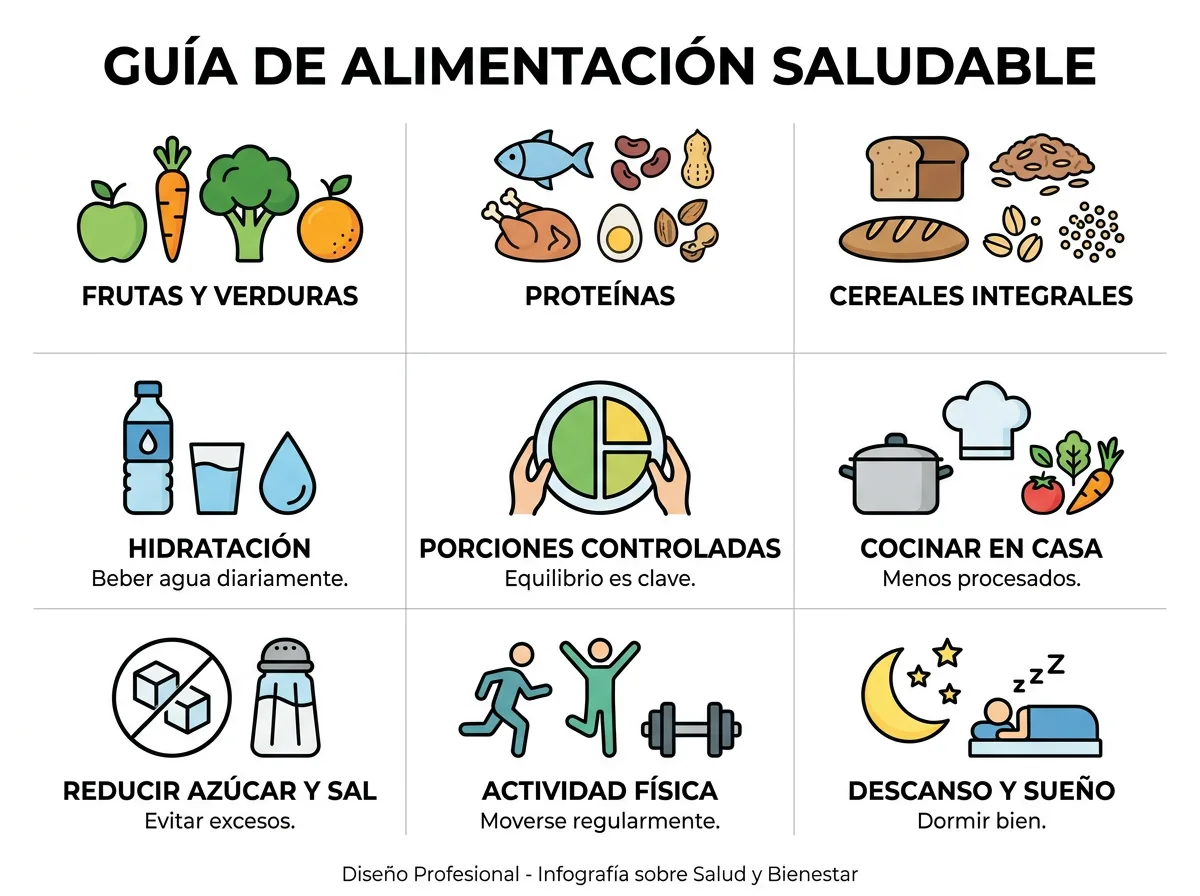
Interior & UI Design Prompts
Best model: Nano Banana Pro. Input: 1 image.
Room furnishing preview
Based on the uploaded room photo (or 2D floor plan), generate a photorealistic interior design preview. Apply a consistent [style, e.g., modern minimalist] look with [materials, e.g., warm oak flooring and off-white walls]. Show a wide-angle perspective of the main living area with soft natural lighting. Keep the room's proportions and layout accurate.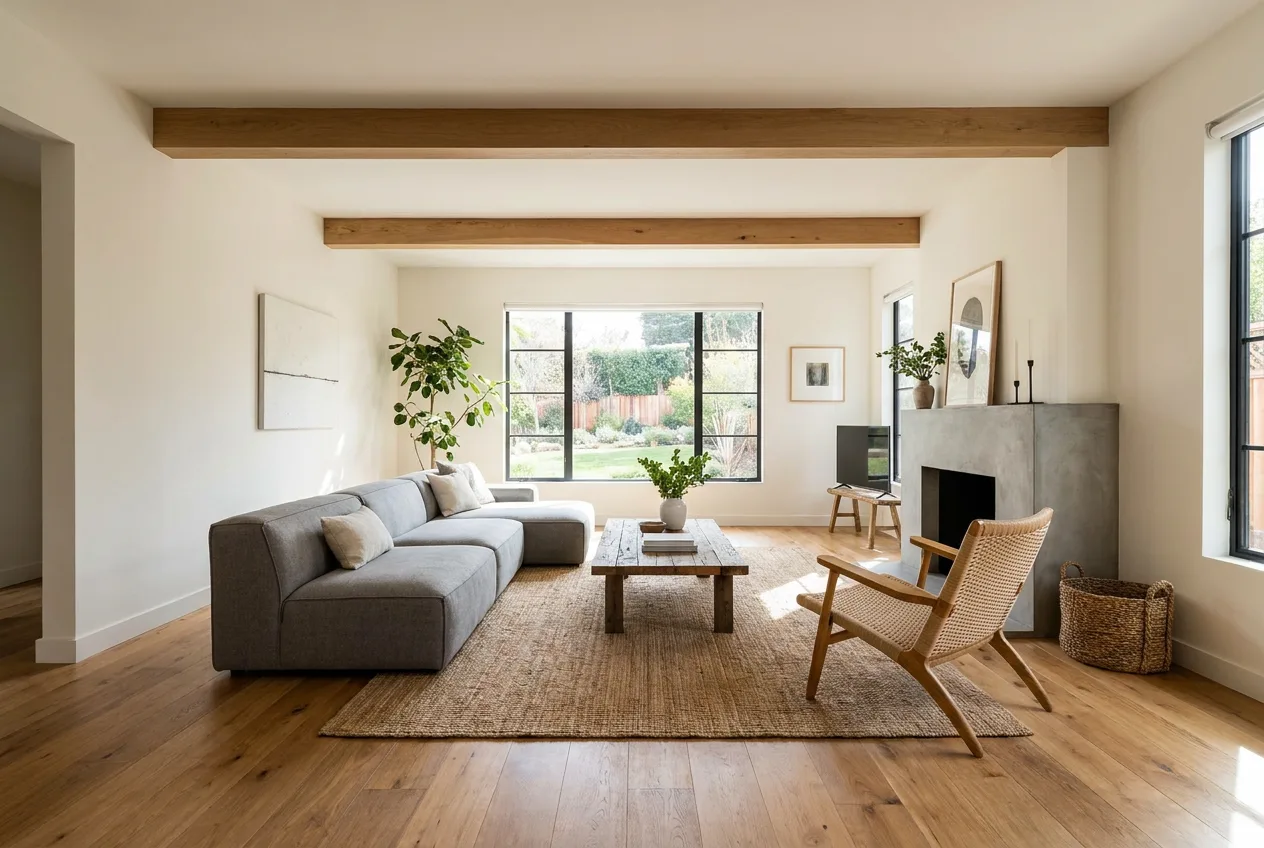
UI sketch to high-fidelity mockup
Transform this rough wireframe sketch into a high-fidelity UI mockup for a mobile app. Apply a modern, clean aesthetic with rounded corners, soft drop shadows, and a vibrant primary color. Turn scribbles into high-quality placeholder images, rough rectangles into proper buttons, and lines into realistic text blocks. Ensure consistent padding and spacing, and place the design inside a realistic phone frame.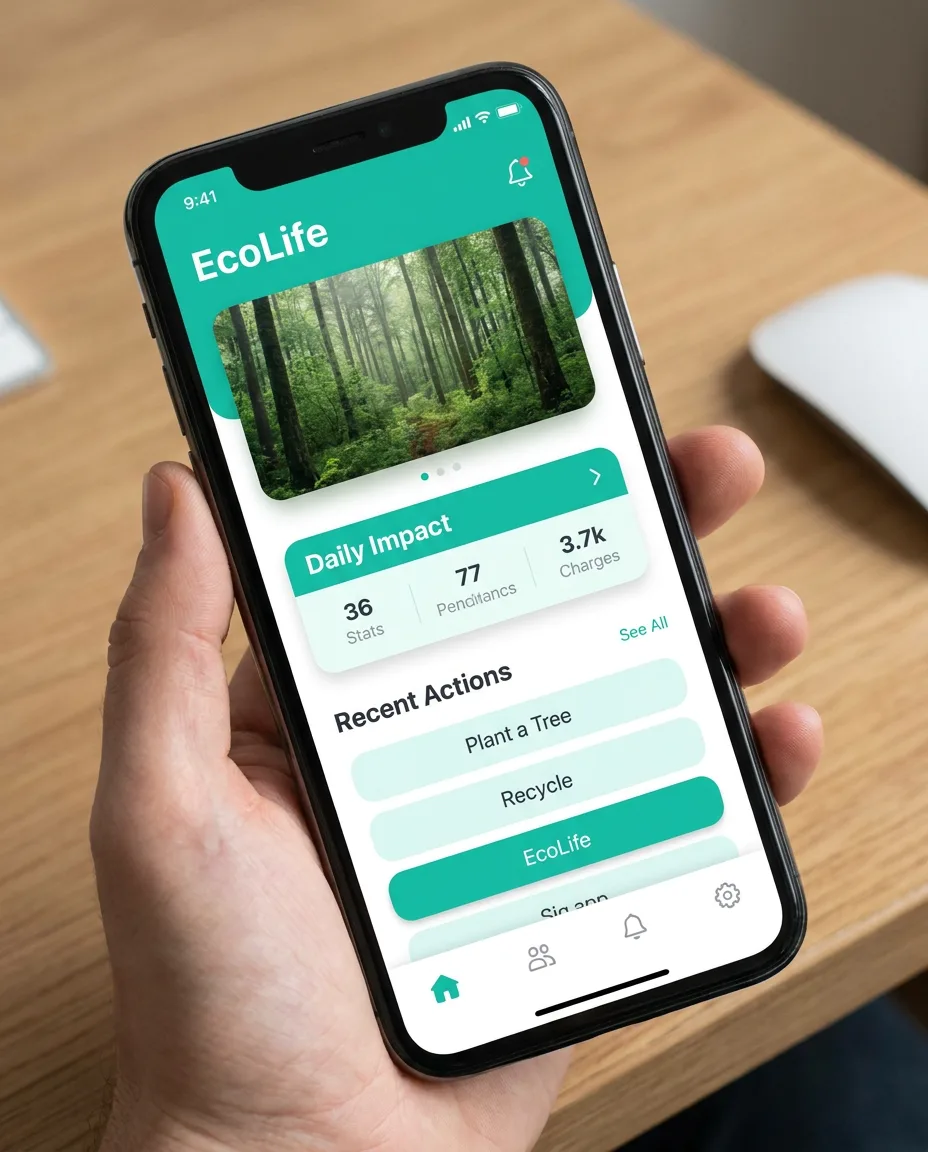
Character Consistency Prompts
Best model: Nano Banana (base). Input: 1 reference image.
360-degree character reference sheet
Create a 360-degree character reference sheet for this character: front, side, three-quarter, and back views in one clean layout. Preserve consistent facial features, hairstyle, body proportions, outfit, colors, and accessories. Use neutral studio lighting and a plain background.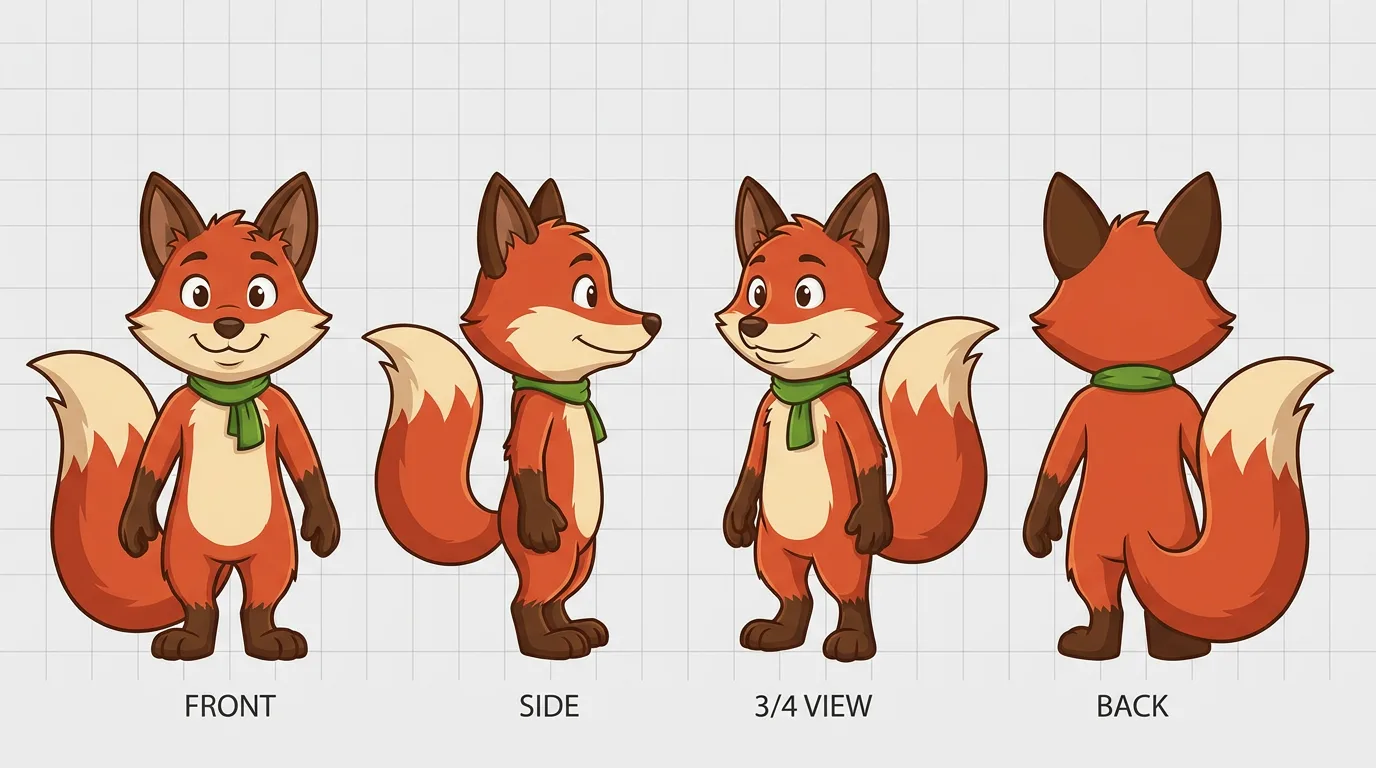
Place the same character in a new scene
Using the character reference image, place the same character in [new scene]. Preserve the exact facial features, hairstyle, outfit details, body proportions, and color palette. Change only the pose, environment, and lighting to match the new scene.
FAQ
What are the best Nano Banana prompts? The best prompt is the one that matches your task. Use the editing prompts to modify existing photos, the portrait and product groups for generation, and the prompt-writing formula above to adapt any of them to your own subject.
Are these prompts for Nano Banana or Nano Banana Pro? Both. They use the same prompt style. Each group notes the better model — use Pro for anything with accurate text, logos, infographics, or complex layouts, and base Nano Banana for fast edits.
Why do my prompts produce distorted results? Usually too little description or keyword-soup phrasing. Describe the scene in full sentences, name the lighting and composition, and for edits state exactly what to keep the same. See the prompt-writing guide.
Can I use these prompts commercially? The prompts here are free to use and adapt. Always confirm the output rights and usage limits of the specific Nano Banana tool you run them in.
How do I keep a face consistent across edits? Add "preserve the exact facial identity and proportions," and for multi-scene work build a 360-degree reference sheet first, then reuse it.
Next Steps
- Learn the structure behind these prompts: How to write Nano Banana prompts.
- New to the model? Read the free Gemini Nano Banana guide.
- Pick a tool to run them in: best Nano Banana AI tools.