Nano Banana Pro: Google's Gemini 3 Pro Image Model Explained (2026)
Nano Banana Pro is Google's Gemini 3 Pro Image model — best-in-class in-image text, up to 4K, multi-subject editing. What it does, pricing, and how it compares to the original Nano Banana.
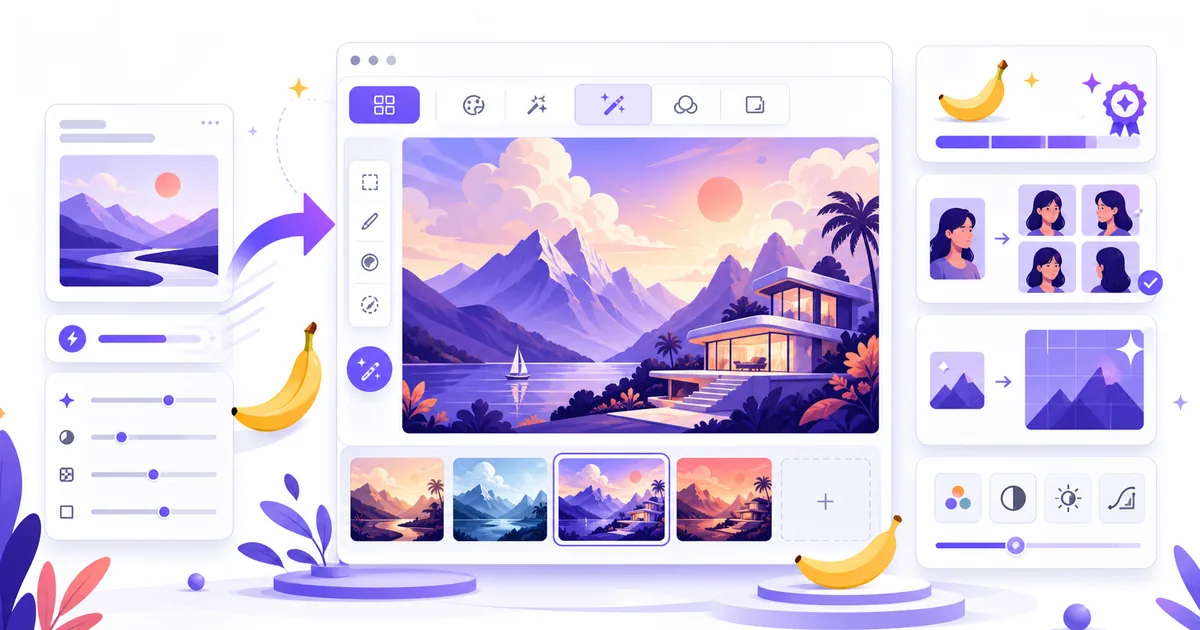
Nano Banana Pro is Google's most advanced AI image model — officially Gemini 3 Pro Image. It's the premium tier above the original Nano Banana, built on Gemini 3 Pro, and it reached general availability in June 2026. The headline upgrades: genuinely legible text inside images, up to 4K resolution, and identity preservation across multiple subjects.
If the original Nano Banana is the fast, cheap workhorse for everyday image edits, Pro is the high-fidelity version you reach for when the output has to be production-grade.
What is Nano Banana Pro?
Nano Banana Pro is the nickname for Gemini 3 Pro Image, Google DeepMind's flagship image generation and editing model. It extends the original Nano Banana with stronger multimodal reasoning, better real-world grounding, and higher-fidelity output. It first launched in preview in late November 2025 and became generally available — for both consumers and enterprise — in June 2026.
Like the original, it does conversational, natural-language editing: you describe a change in plain English and it applies just that change while leaving the rest of the image untouched. Pro just does it at a higher quality ceiling.
What's new in Nano Banana Pro
- Best-in-class text in images. This is the standout. Pro renders correct, legible text directly inside an image — long passages, multilingual layouts, the kind of thing every previous model mangled. That alone makes it the pick for posters, thumbnails, infographics, and marketing creative.
- Up to 4K resolution. High-fidelity output with flexible aspect ratios, suitable for print and large-format use, not just web thumbnails.
- Multi-subject identity. It keeps identities consistent across up to five subjects in a single image — useful for group scenes, product lineups, and storytelling.
- Fine-grained control. Localized edits plus control over lighting, focus, and camera-style transformations.
- Better reasoning and grounding. Built on Gemini 3 Pro, it understands complex instructions and real-world context more reliably.
- SynthID watermark. Every image carries Google's invisible SynthID watermark by design — it can't be removed.
Nano Banana Pro vs Nano Banana (original)
| Nano Banana | Nano Banana Pro | |
|---|---|---|
| Model | Gemini 2.5 Flash Image | Gemini 3 Pro Image |
| Best for | High-volume, fast, low-cost edits | Fidelity, text, production creative |
| Text in images | Basic | Best-in-class, multilingual |
| Resolution | Standard | Up to 4K |
| Multi-subject | Consistent characters | Identity preserved across up to 5 subjects |
| Speed | Fastest | Fast (a few seconds) |
| API price / image | ~$0.039 | ~$0.134 (about half under batch pricing) |
| Watermark | SynthID | SynthID |
The short version: use the original Nano Banana when you need lots of images quickly and cheaply, and reach for Pro when the output needs readable text, high resolution, or multiple consistent subjects.
How much does Nano Banana Pro cost?
Via the Gemini API, Nano Banana Pro runs about $0.134 per image, dropping to roughly half that under batch/flex pricing. The original Nano Banana is far cheaper at about $0.039 per image — which is exactly why it remains the better choice for high-volume work. For the full breakdown of plans and free-tier limits across both models, see our Nano Banana pricing guide.
How to use Nano Banana Pro
- Gemini app (free, with limits). Pro is rolling out globally in the Gemini app — select Create images with the Thinking model. Free users get a limited Pro quota, then fall back to the original Nano Banana; Google AI Plus, Pro, and Ultra subscribers get higher quotas.
- Gemini API / Google AI Studio. Developers can build with it directly (the model id is Gemini 3 Pro Image). Pay-as-you-go per image.
- Vertex AI. The enterprise path on Google Cloud.
New to all this? Start with our guide on how to use Nano Banana for free, then level up with prompts that actually work.
Is Nano Banana Pro worth it?
For most casual edits, the original Nano Banana is plenty — it's faster and cheaper. Pro earns its premium in three situations: when you need readable text rendered in the image, when you need 4K / print-quality output, or when you're composing multiple people or products and identity has to stay consistent. Those are the jobs the original struggles with, and they're exactly what Pro was built for.
FAQ
Is Nano Banana Pro free? You can use it for free in the Gemini app with a limited quota, after which you revert to the original Nano Banana. Paid Google AI tiers get higher quotas, and API/enterprise use is pay-as-you-go.
What's the difference between Nano Banana and Nano Banana Pro? Nano Banana (Gemini 2.5 Flash Image) is fast and cheap; Nano Banana Pro (Gemini 3 Pro Image) adds best-in-class in-image text, up to 4K resolution, and multi-subject identity preservation.
Does Nano Banana Pro add a watermark? Yes — every generated image carries an invisible SynthID watermark by design, and it can't be removed.
Related reading
- Nano Banana Explained: Google's Gemini AI Image Model — the full background on the original model
- Is Nano Banana Free? Pricing & Free-Tier Limits — costs across both models
- Best Nano Banana AI Tools & Alternatives — compare generators and apps built on it
Building with AI image models, or hunting the next breakthrough tool? Launch Vault is where makers discover and launch what's next — including the best Nano Banana tools and alternatives.